The monitor choice that solves the most problems
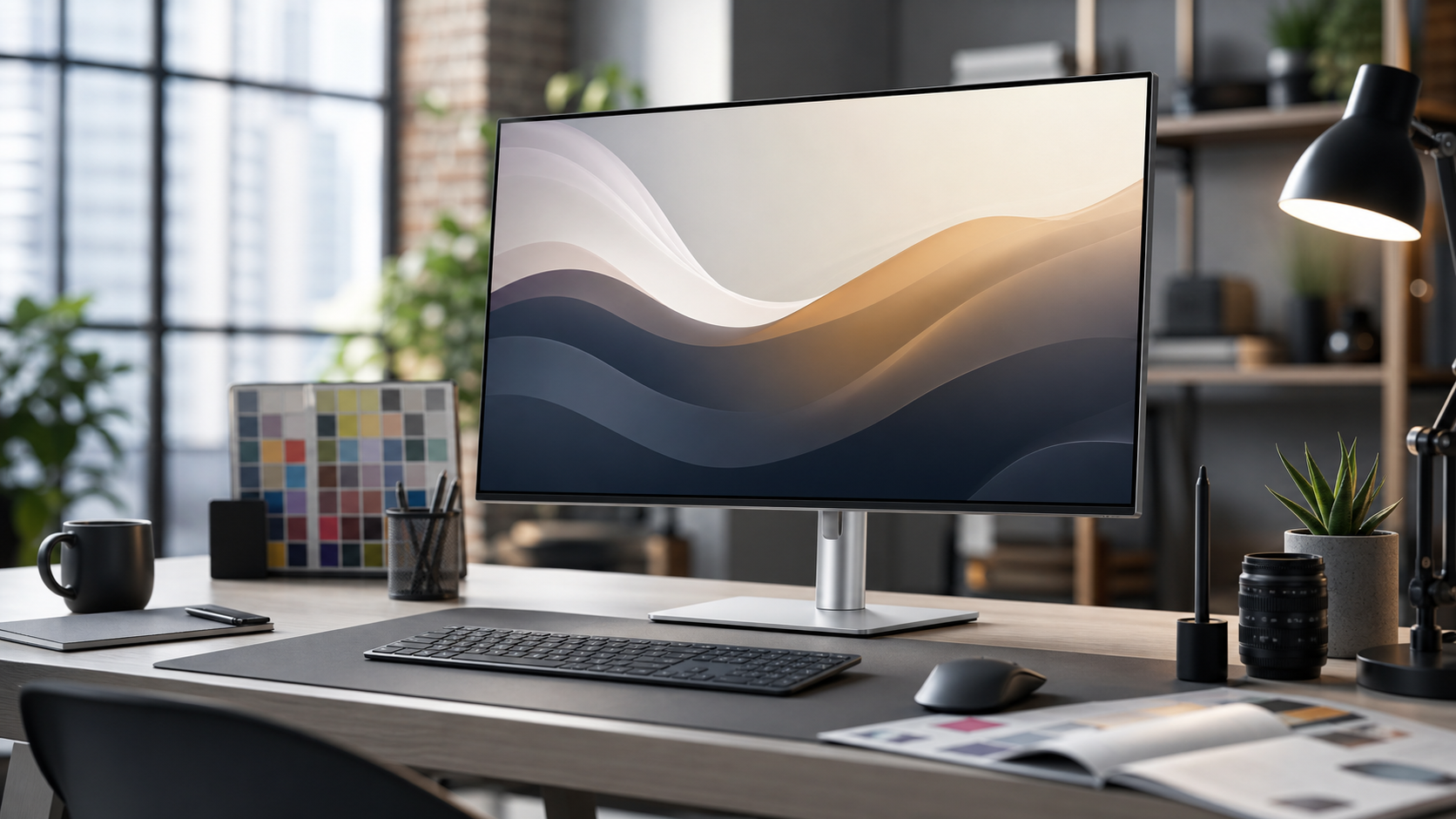
A good study monitor gives you space without turning the desk into a control room. For many readers, a practical starting point is a 27-inch QHD display. It is large enough for a training video, notes, and a chart beside each other, but not so large that you need to move your head constantly. It is also easier to drive from common laptops than a large 4K or ultrawide panel. We focus on study comfort and reliability, with team context on about Enjoy Poker and commercial disclosure in the editorial policy.
The goal is not to create a flashy gaming station. Card-game study is text-heavy and attention-heavy. You need clear fonts, stable brightness, a stand that reaches eye height, and inputs that do not break when you move a laptop. Official information from Dell's UltraSharp U2724D page and BenQ's GW2790QT page gives enough detail to compare the type of monitor that fits this job.
Shortlist at a glance
| Pick | Best fit | Why it works | Watch before buying |
|---|---|---|---|
| Dell UltraSharp U2724D | Balanced QHD study monitor | 27-inch QHD, 120 Hz, strong stand, IPS Black panel | No USB-C hub on the non-DE model |
| BenQ GW2790QT | USB-C study monitor | QHD, USB-C, speakers, ergonomic white design | 75 Hz is fine for study but not a gaming-first spec |
| A simple 24-inch QHD or FHD monitor | Small desks | Cheap, easy to place, low power | Less room for notes and charts |
| Ultrawide monitor | Multi-window desktop study | Excellent horizontal space | Can encourage clutter and costs more |
Balanced QHD pick: Dell UltraSharp U2724D
The Dell UltraSharp U2724D is a strong study monitor because it focuses on the things that matter for text and long sessions. Dell lists it as a 27-inch QHD display with 2560 x 1440 resolution, 120 Hz refresh rate, IPS Black technology, and a stand with height, tilt, swivel, and pivot adjustment. That combination is useful because you can keep text crisp without needing 4K scaling, and the 120 Hz panel makes scrolling and cursor movement feel smoother than a basic 60 Hz office screen.
The UltraSharp line is not the cheapest route, but it is often a sensible desk investment. The stand is part of the value: if you can lift the monitor to eye height without a stack of books, your neck and shoulders will notice the difference. A good stand also leaves more space for a keyboard, notebook, or tablet. In a study workflow, comfort is not cosmetic. It determines whether you can stay focused through a long review session.
The caveat is ports. The U2724D is the display-only version, while Dell also sells hub models in related lines. If you want one-cable USB-C charging and peripherals, check the exact suffix before buying. Do not assume every UltraSharp includes the same hub. This is especially important for laptop users who want the monitor to act as a docking station. If your desk depends on one cable, verify the product page, not just a retailer title.
USB-C desk choice: BenQ GW2790QT
The BenQ GW2790QT is appealing if you want a calm, single-cable study desk. BenQ describes it as a 27-inch 2K QHD ergonomic USB-C monitor with integrated speakers, microphone features, and eye-care tools. The USB-C port and hub design are the main reason to consider it. A laptop can connect cleanly, and the monitor can become the centre of a simple desk without a separate dock.

This monitor makes more sense for study than for competitive gaming. Its value is in ergonomics, cable reduction, and comfort features rather than extreme refresh rate. If your card-game work is lessons, notes, browser tools, and occasional video calls, that is a good trade. If you also want one screen for fast gaming, compare refresh rate, response behaviour, and adaptive sync more carefully.
The white design is also a practical consideration. It can make a small desk feel lighter, but it may not match every setup. That sounds minor until the monitor is sitting in front of you all day. Buy for the room you actually have. A darker Dell-style monitor can disappear visually in some setups; the BenQ becomes more of a visible object.
Check brightness, scaling, and text rendering during the return window. A monitor can have the right ports and still feel wrong if fonts look soft at your chosen distance. Open the exact tools you use for notes and review, not just a colourful product page. If you wear glasses or study late, reduce brightness and confirm the screen remains readable without eye strain.
When a smaller monitor is enough
A 24-inch monitor can still work if you study in short sessions, use a small desk, or mainly need a bigger screen than a laptop. A 24-inch FHD panel is the lowest-cost route, but QHD at 24 inches gives sharper text if your operating system scaling works well. The tradeoff is space. A single video plus a note window is fine; video, notes, chart, and browser side by side will feel cramped.
For readers choosing between a monitor and tablet first, start with the device that fixes the biggest frustration. If you already have a laptop but hate cramped windows, buy the monitor. If you want to study away from the desk, buy a tablet and read our tablet shortlist. If you need both eventually, the monitor is usually the more durable long-term purchase because it can outlast several laptops.
Should you buy an ultrawide?
Ultrawide monitors are tempting because they make multi-window layouts easy. A training video, browser, note document, and chart can sit side by side without overlap. That is valuable if you have a dedicated desk and a workflow that benefits from visible context. The problem is that more space can also create more clutter. If you spend half the session arranging windows, the extra pixels are not helping.
For most readers, an ultrawide is a second-stage upgrade. Start with a good 27-inch monitor. Learn which windows you actually keep open. If you consistently run out of horizontal space after weeks of use, then compare ultrawide options. If the 27-inch screen already handles your routine, spend the extra budget on lighting, chair setup, or a better keyboard.
Desk setup details that matter
Monitor height is the first detail. Your eyes should land near the top third of the screen when you sit naturally. If the included stand cannot reach that point, use a monitor arm or a stable riser. Distance is next. A 27-inch QHD monitor usually feels comfortable at arm's length, but text size, eyesight, and scaling preferences vary. Adjust font size before deciding the monitor is wrong.
Cable routing matters because card-game study often involves more devices than expected: laptop, tablet, keyboard, mouse, charger, headphones, and maybe a router or Ethernet adapter. A monitor with a hub reduces clutter, but only if the hub supports your laptop's power and display needs. If not, a simple monitor plus a separate USB-C hub may be more reliable. We discuss this in our low-latency desk setup guide.
Buying verdict
The Dell UltraSharp U2724D is the balanced QHD recommendation when you want a sharp, adjustable monitor and do not need built-in USB-C docking. The BenQ GW2790QT is the cleaner one-cable desk choice if USB-C convenience, speakers, and ergonomic presentation matter. A smaller monitor works for tight spaces, and an ultrawide should be reserved for established multi-window workflows.
Do not buy a monitor only by gaming language. Card-game study rewards calm, readable, repeatable setups. Pick the screen that lets you read small text, keep notes visible, and return to the same layout every session. That is the practical standard behind this shortlist and the reason a sensible QHD display beats many louder specifications.
Source notes and next reads
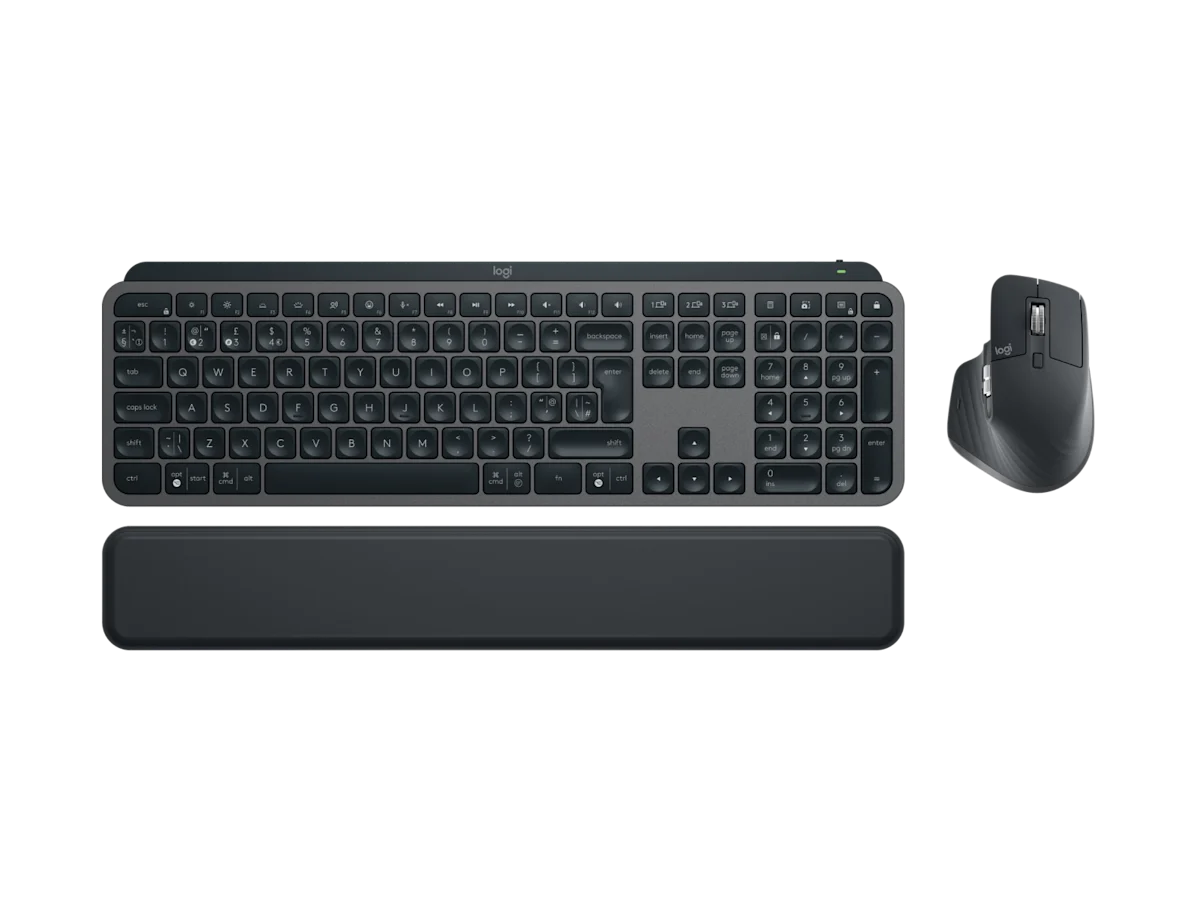
We used official manufacturer pages as the baseline: Dell's UltraSharp U2724D page, BenQ's GW2790QT page, and Logitech's MX Keys S Combo page for the keyboard and mouse context shown in the desk workflow. Treat retailer titles as secondary because similar monitor names can hide different hub, stand, or port configurations.
If you are building the whole desk, continue with our low-latency setup guide before adding accessories. If the choice is monitor versus mobile study, compare the tablet shortlist and portable setup guide so you do not buy a display for a workflow that mostly happens away from the desk.
FAQ
Is 27-inch QHD better than 27-inch 4K for study?
For many readers, yes. QHD at 27 inches gives clear text with fewer scaling complications and lower cost. 4K can be excellent, but it is worth buying only if your laptop handles it well and your apps scale cleanly.
Does refresh rate matter for online poker study?
Refresh rate is secondary. A 120 Hz monitor feels smoother than 60 Hz, but it will not improve study quality by itself. Prioritise clarity, ergonomics, input reliability, and desk comfort before chasing gaming-style numbers.
Can a monitor reduce eye strain?
A monitor can help if it lets you use larger text, better posture, and stable brightness. It cannot fix poor lighting, long sessions without breaks, or bad viewing distance. Combine the monitor with sensible lighting and regular pauses.