AI-generated illustration — not a retailer product photo.
Start with the study routine, not the gadget list
AI-generated illustration — not a retailer product photo.
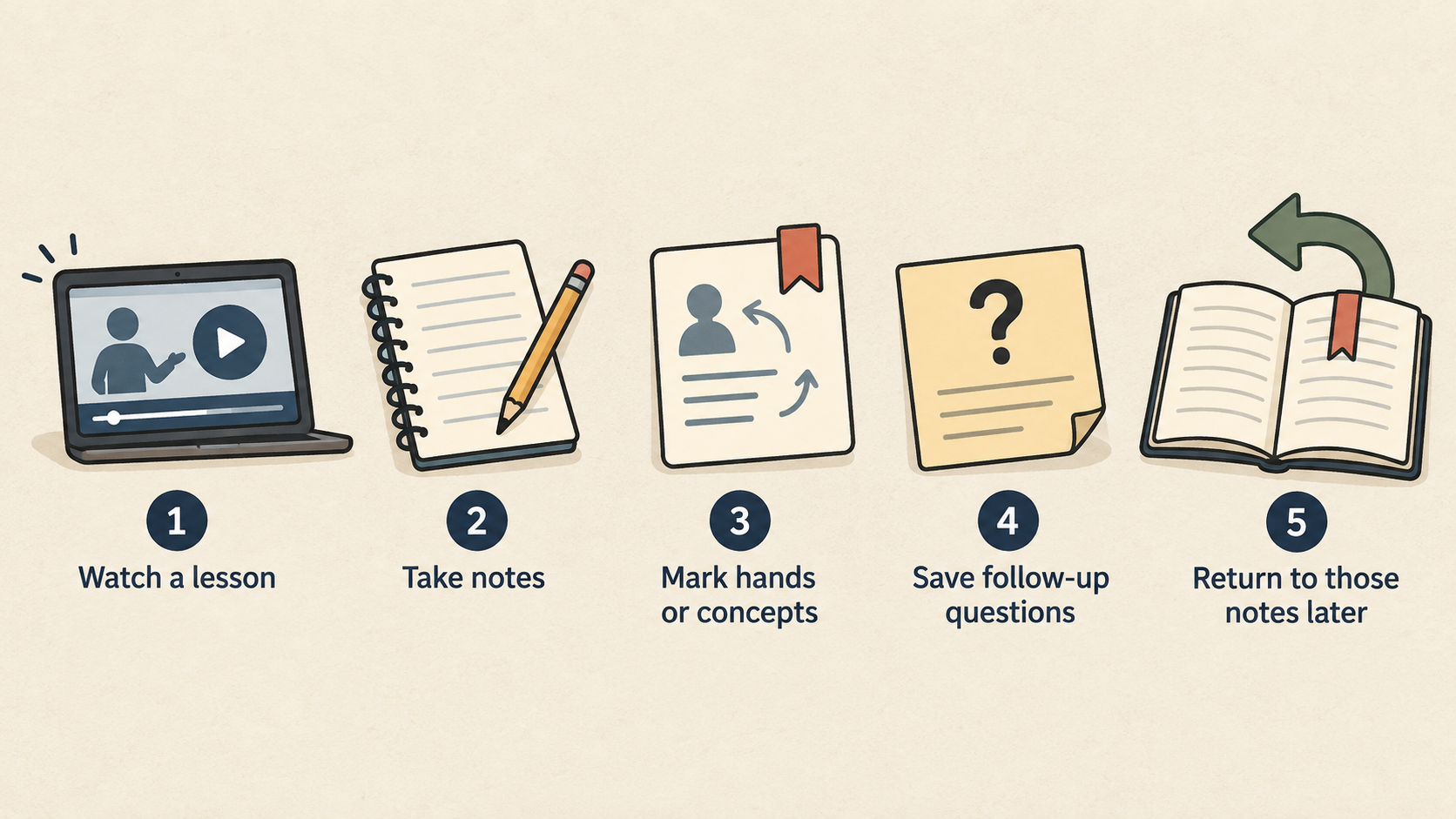
A portable study setup should let you continue useful work away from your main desk. It should not become a bag full of electronics that takes ten minutes to assemble. A practical starting point is a simple routine: watch a lesson, take notes, mark hands or concepts, save follow-up questions, and return to those notes later. Every item in the kit should support that routine directly. If it does not, leave it out until the need is proven.
This guide uses the same workflow-first standard we explain in our editorial policy and about pages. We reference official product information where relevant, including Apple's iPad Air, Samsung Galaxy Tab, Anker power bank, and Keychron keyboard pages, but we do not pretend one branded product solves every reader's routine. Your best setup depends on where you study, how long sessions last, and whether you write or annotate.
The minimum useful kit
AI-generated illustration — not a retailer product photo.
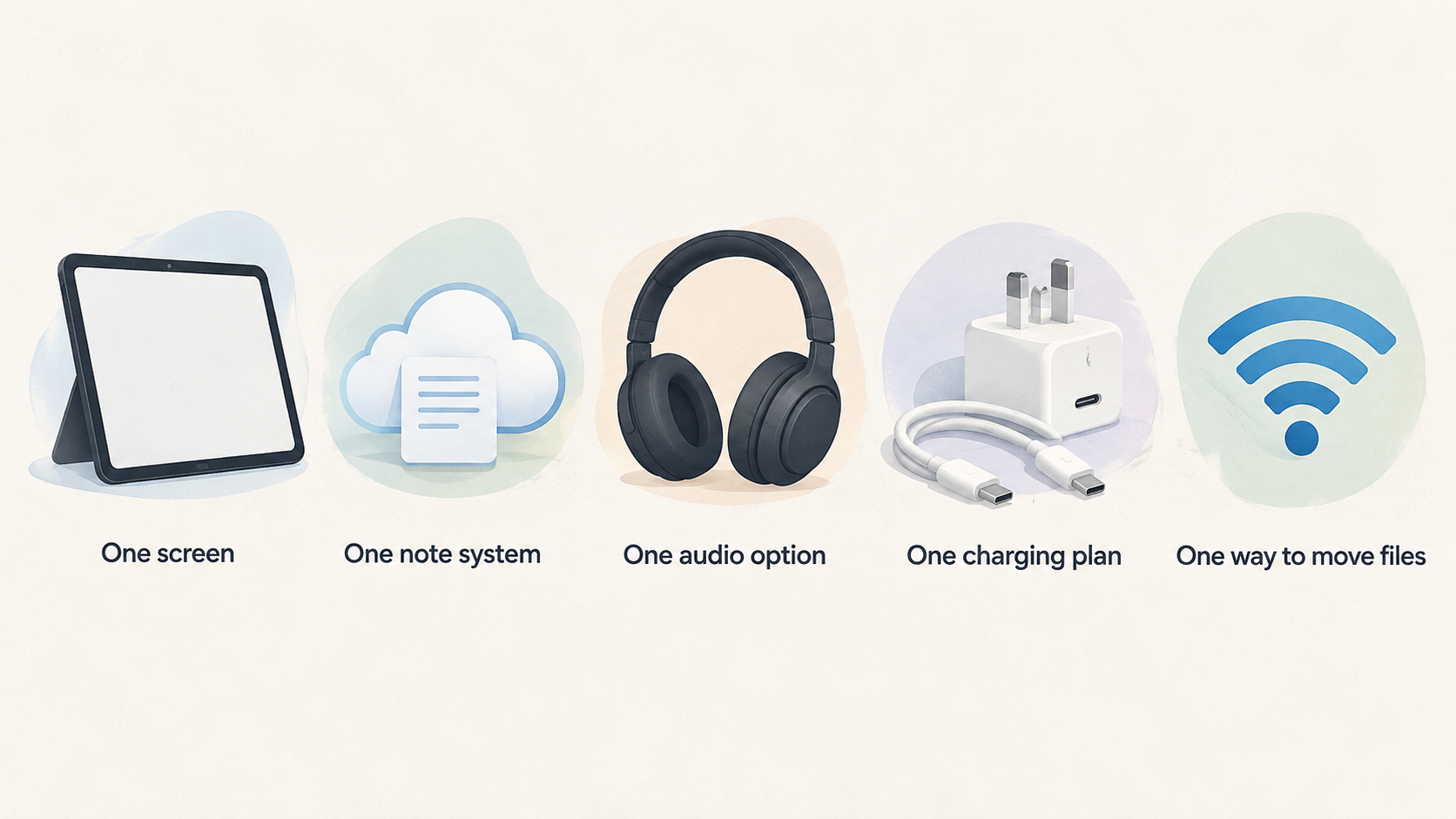
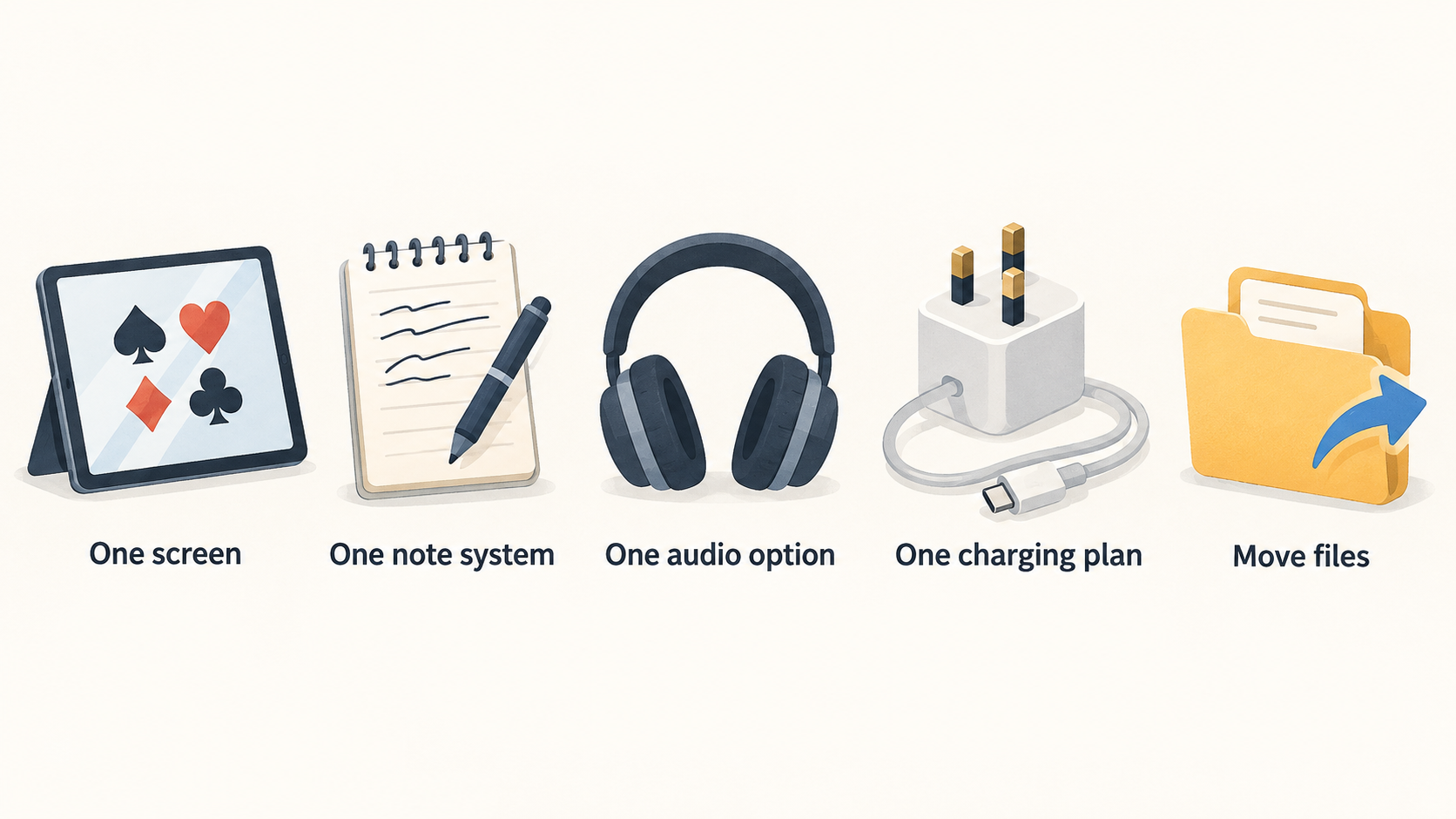
The minimum kit is one screen, one note system, one audio option, one charging plan, and one way to move files. For many readers, that is a tablet, cloud notes, headphones, USB-C charger, and reliable Wi-Fi or hotspot. For others, it is a lightweight laptop with a good battery and no extra accessories. Start here before buying keyboards, stands, hubs, and power banks.
The reason is behavioural. Portable study works only if it starts quickly. If you need to unfold a stand, pair a keyboard, connect a hub, find a cable, and rearrange a cafe table before learning anything, the setup is too complex. Accessories should remove friction, not create a ritual.
Choose the primary screen
A tablet is best for video, PDFs, handwritten notes, and short review sessions. The iPad Air is a strong all-round choice because it has a mature app ecosystem and good accessories. Samsung's Galaxy Tab FE and S lines make sense for Android-first readers and those who prefer S Pen note taking. We compare tablet choices in our best tablets guide and iPad Air vs Galaxy Tab S10 FE comparison.
A laptop is better if your study depends on desktop software, complex file management, multiple browser windows, or large spreadsheets. Do not force a tablet into a job that needs a desktop operating system. A portable setup can still include a tablet later as a second screen or reading device, but the primary machine should match the hardest task.
Screen size is the main comfort tradeoff. Smaller devices travel well but make charts and split view cramped. Larger tablets and laptops are better for notes but less casual to carry. If you study mostly at tables, choose the larger screen. If you study on trains or sofas, choose portability.
Add input only when notes demand it
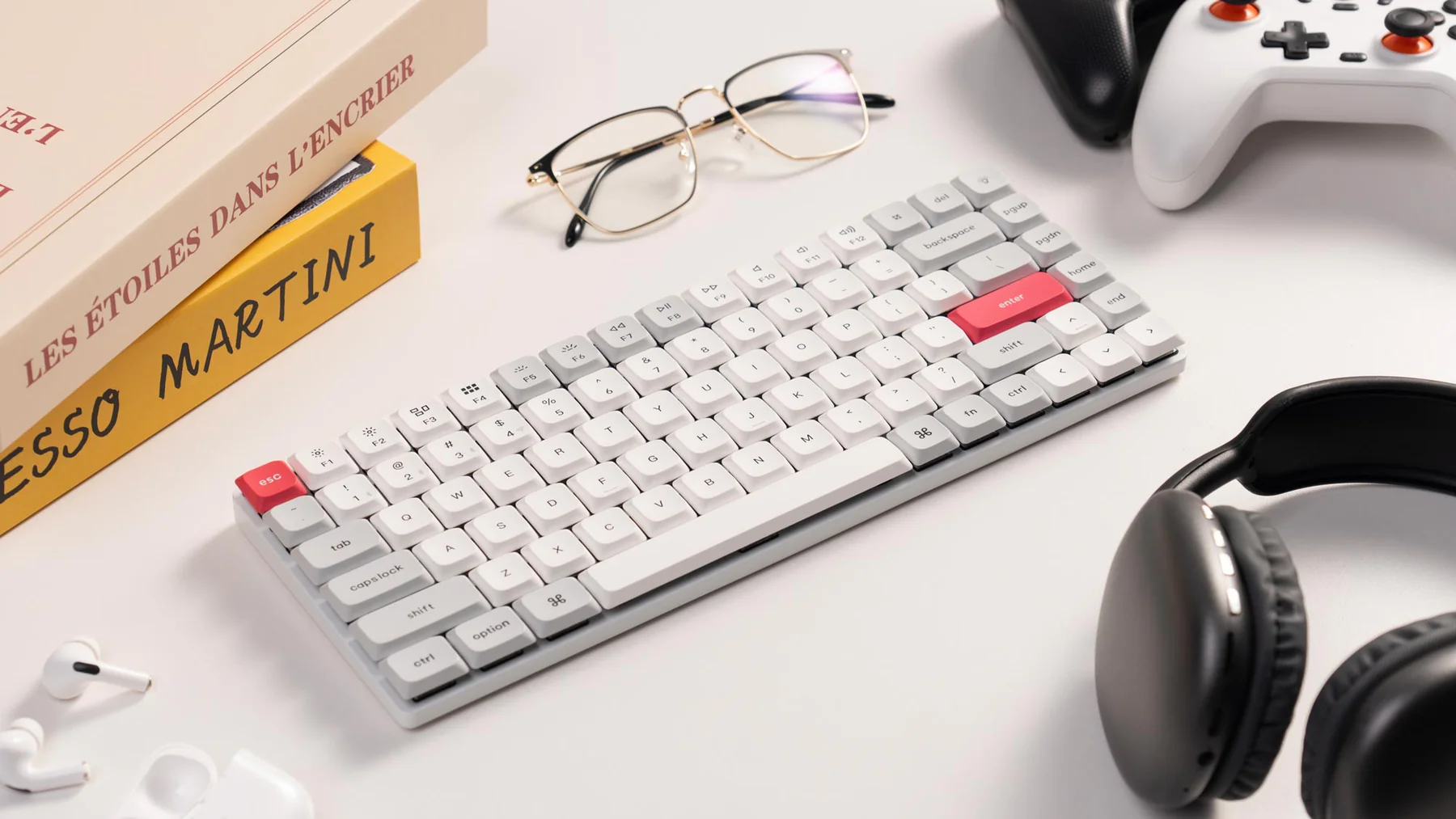
If you write more than short bullets, add a keyboard. A compact mechanical board such as the Keychron K3 Max saves desk space and can move between rooms. A productivity keyboard such as Logitech's MX Keys S is better for a fixed desk and longer typing. For travel, the priority is reliability: it should pair quickly, fit the bag, and not require constant charging.
Handwriting can be better for diagrams, range marks, and quick annotation. If that is your style, choose a tablet and stylus combination early. If your notes are searchable logs, typed notes are more useful. Many readers buy a stylus because it feels like a study upgrade and then never use it. Test your natural note style before spending heavily.
Build a power plan
Portable setups fail when the power plan is vague. Know what charges from USB-C, what needs a special cable, and what must survive the full session. A high-output bank such as the Anker 737 can support tablets and many laptops, but it is not necessary for every reader. If you only study for an hour near sockets, a good charger and cable are enough. If you travel or use a hotspot, a stronger power bank is worth considering.
Cable discipline matters. Carry one dependable USB-C cable for high-output charging and one short backup if needed. Avoid a pouch full of unknown cables. Label the high-power cable if it looks like others. A premium power bank with the wrong cable creates slow charging and confusion. Our Anker 737 review covers this in more detail.
Notes, files, and continuity
The note system is the heart of portable study. Choose one place where session notes live. It can be Apple Notes, OneNote, Obsidian, Notion, Google Docs, or a simple folder of markdown files. The tool matters less than consistency. Every study block should end with the next action visible: review this hand, revisit this concept, compare this chart, or update this leak list.
File movement should be boring. If screenshots, PDFs, and exports get stuck on one device, your portable setup will frustrate you. Apple users may benefit from AirDrop and iCloud. Android and Windows users may prefer Google Drive, OneDrive, USB-C storage, or direct folder sync. Test the path before travel.
Pack list rehearsal
Run a rehearsal before taking the kit outside. Put every item on the table, then remove anything that is not needed for one complete study block. Open the lesson, connect headphones, create a note, save a screenshot or reference, and put the device back to sleep. The exercise exposes small failures: the stand is too shallow, the cable is too short, the keyboard needs charging, or the note app stores files in the wrong account.
Write the final pack list in the same note system you use for study. Keep it short: screen, charger, cable, headphones, input method, and one backup only if the backup has a defined job. A clear pack list makes the portable setup repeatable instead of dependent on memory.
Review the pack list monthly. Remove anything you carried twice without using, and add only the item that would have prevented a real problem. This keeps the kit honest as your routine changes.
Audio and focus
Headphones are part of the setup because training videos and review calls often happen in shared spaces. You do not need premium noise cancellation unless your environment demands it. You need comfort, reliable pairing, and enough battery for the session. Wired earbuds can be the simplest backup if Bluetooth causes problems.
Focus also comes from reducing choices. Keep only the apps you need visible. Download material before travel if connectivity is uncertain. Put entertainment apps away from the home screen if they interrupt study. Portable electronics make distraction easy; the setup should make the next useful action easier than the next distraction.
Buying order
Buy in this order: primary screen, protective case or sleeve, charger and cable, note input method, stand, power bank, then optional hub. Most people buy the hub too early. A hub is useful only when you know you need HDMI, Ethernet, storage, or multiple USB devices. For a tablet-first portable setup, it often sits unused.
Do not buy everything in one day. Use the screen for a week. Add the accessory that solves the clearest pain. If notes are slow, add a keyboard. If posture is bad, add a stand. If battery is weak, add a bank. This staged approach prevents overbuilding.
Final setup recommendation
For most readers, the best portable card-game study setup is an 11-inch to 12.4-inch tablet, a stable note app, comfortable headphones, a good USB-C charger, one rated cable, and either a compact keyboard or stylus depending on note style. Add the Anker-style high-output power bank only if you regularly study away from sockets. Add a laptop only when desktop tools are essential.
The winning setup is the one you can open quickly, use comfortably, and close with clear notes. Keep it light, repeatable, and honest about your routine. That is how portable electronics become a study habit rather than a bag of accessories.
Source notes and next reads
For device checks, start with Apple's iPad Air page, Samsung's Galaxy Tab S catalogue, Keychron's K3 Max page, and Anker's 737 Power Bank page. Those pages help verify current compatibility, battery expectations, and accessory assumptions before buying.
Within Enjoy Poker, the best tablets guide should come before any accessory shopping. The Anker 737 review is useful if battery is the pain point, while the refurbished electronics deals guide helps decide whether an older premium tablet is a better deal than a new mid-range device.
FAQ
Do I need mobile data for portable study?
Not always. Download lessons and documents before travel when possible. Mobile data or hotspot is useful for cloud notes and web tools, but offline preparation makes the setup more reliable.
Is a tablet stand worth carrying?
Yes if you study at tables. A small stand improves posture and frees your hands. If you mostly study while holding the tablet, skip the stand and keep the kit lighter.
Should I carry a USB-C hub?
Only if you know the specific job: HDMI, Ethernet, SD card, or external storage. A hub carried just in case adds weight and another point of failure.
Editorial information: Read our affiliate disclosure.