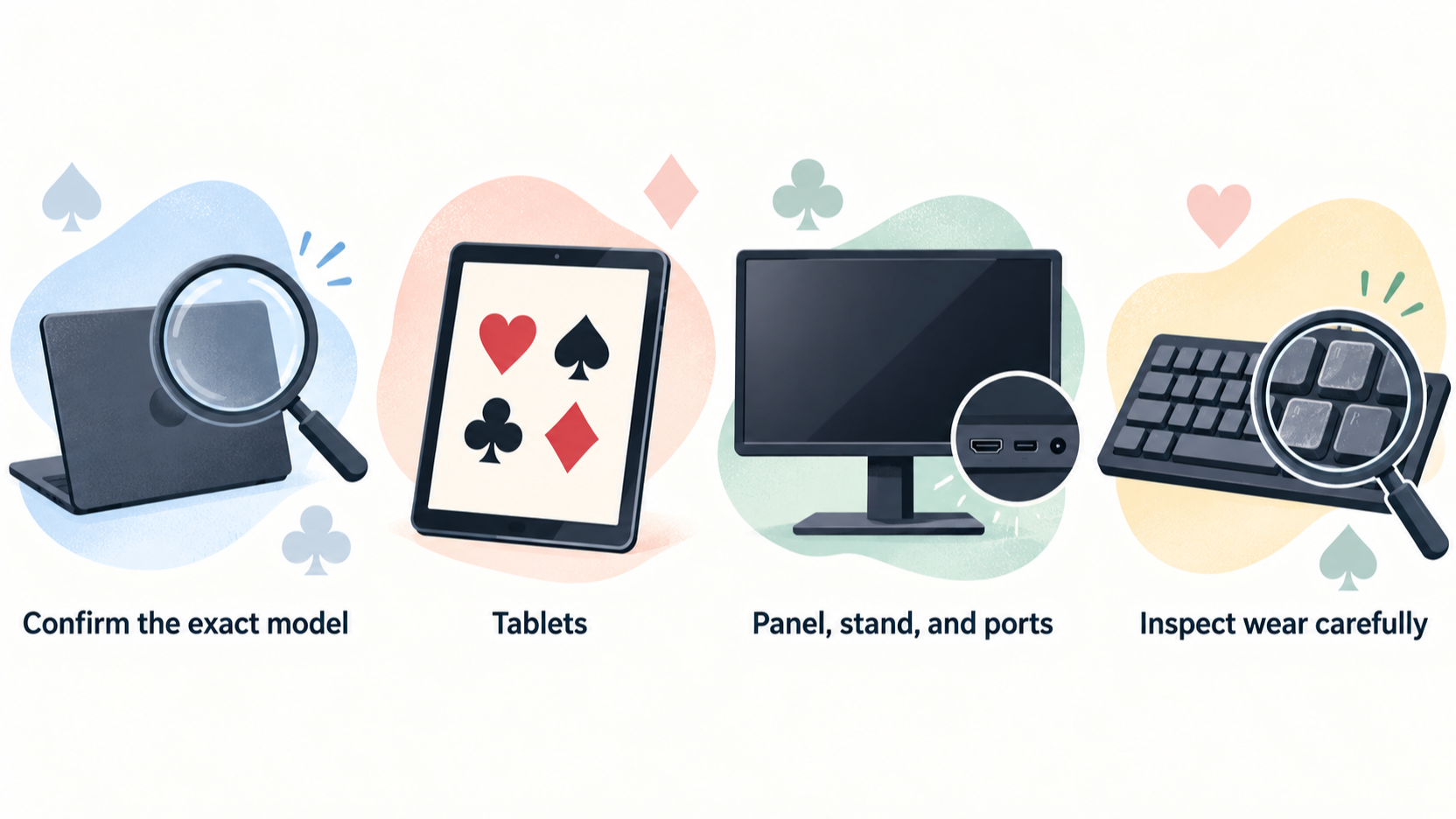
AI-generated illustration — not a retailer product photo.
Refurbished can be smart, but only with evidence
AI-generated illustration — not a retailer product photo.
Refurbished electronics are attractive for study setups because many useful devices age slowly. A good tablet screen, external monitor, keyboard, or charger can remain valuable long after the marketing cycle moves on. That creates real savings for readers building a card-game study desk. The risk is that refurbished listings often compress important details into vague words like excellent, renewed, or grade B. Those words are not enough.
Enjoy Poker's approach is to treat a deal as a decision, not a headline discount. We look for exact model, condition, warranty, return window, battery notes, accessory compatibility, and seller responsibility. Our broader standards are on editorial policy, and the site team is introduced on about Enjoy Poker.
The six checks before any refurbished purchase
First, confirm the exact model. A listing that says iPad Air or Dell UltraSharp is incomplete unless it gives the generation, year, storage, size, or full model code. Second, confirm condition in practical terms: screen marks, casing dents, port wear, keyboard shine, stand condition, and included accessories. Third, check warranty length and who provides it. A seller warranty is different from manufacturer coverage.
Fourth, check the return window. Refurbished electronics can reveal faults only after normal use. Fifth, check battery information for tablets, laptops, headphones, and power banks. Sixth, price the missing accessories. A cheap tablet without the right charger, stylus, or keyboard may not be cheap after completion.
If any of these details are hidden, wait or choose another listing. A real deal should survive basic questions.
Ask for proof where the listing is unclear. A serious seller should be able to confirm model number, storage, included charger, battery-health information where available, and warranty terms in writing. Screenshots and vague condition labels are not enough for expensive electronics. If the answer is slow, evasive, or contradicts the listing, move on. A good refurbished purchase is the one that still looks sensible after the boring questions are answered.
Tablets: a strong refurbished category for many readers
Tablets are often the most interesting refurbished category for card-game study. A previous-generation iPad Air or iPad Pro can offer a strong display, good app support, and a better accessory market than a new low-end tablet. Samsung tablets can also be good value when the model is recent enough and the S Pen or keyboard situation is clear.
The key checks are battery condition, screen quality, storage, and stylus compatibility. Screen scratches matter because study involves reading small text and charts. Battery matters because portable study fails when the tablet cannot last a session. Storage matters if you download lessons or keep offline PDFs. Stylus compatibility matters because Apple and Samsung accessories vary by model.
Use our best tablets guide and iPad Air vs Galaxy Tab comparison to decide which platform fits before chasing a refurbished price.
Monitors: condition is visible, but stands matter
Refurbished monitors can be excellent if the panel, stand, and ports are clean. The panel is obvious: check for dead pixels, scratches, backlight issues, and uneven brightness. The less obvious part is the stand. A missing or weak stand can turn a good panel into an awkward desk object. Replacement stands or monitor arms add cost.

Confirm resolution, refresh rate, panel size, and port set. A 27-inch QHD monitor is usually the practical sweet spot for study, but listings sometimes blur similar models. Check whether USB-C is present if you expect one-cable docking. A monitor without USB-C can still be excellent; it just should not be priced like the hub version.
If possible, buy refurbished monitors from sellers that allow returns after a real desk test. Eye comfort, text rendering, and stand height are easier to judge in your room than from photos.
Keyboards and mice: hygiene, wear, and layout
Refurbished keyboards can save money, but inspect wear carefully. Key shine, sticky switches, missing feet, weak backlighting, and battery degradation can reduce value quickly. Wireless keyboards also depend on receivers or pairing modes. Make sure the listing includes any required dongle or confirms Bluetooth support.
For a Logitech MX Keys-style product, check layout, language, and battery behaviour. For a Keychron keyboard, check switch type, hot-swap status, keycap condition, and whether all accessories are included. A keyboard with the wrong layout can be frustrating even if the price is good.
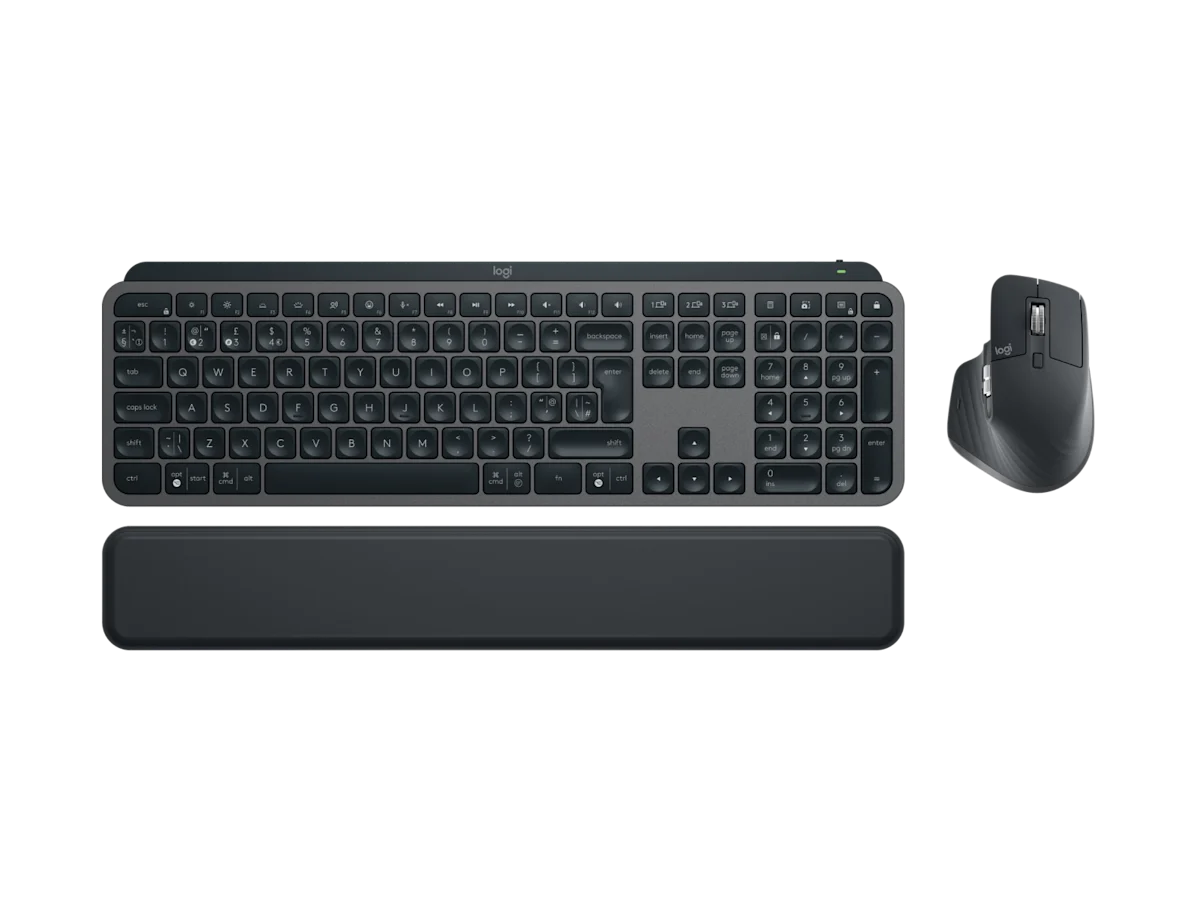
Mice need similar caution. Worn feet, double-click issues, sticky wheels, and battery weakness are common problems. If the saving is small, buying new may be cleaner.
Power banks and chargers: be more cautious
Power accessories are the category where refurbished savings deserve more caution. Batteries age, and poor charging accessories can create reliability problems. If buying a refurbished power bank, check capacity claims, warranty, visible wear, and seller testing. Be especially cautious with heavily used banks where battery health is unclear.
For many readers, a new charger or power bank is worth the premium because safety, warranty, and battery condition are clearer. A refurbished tablet or monitor can be a smart saving; a mystery power bank is less attractive. Our Anker 737 review explains when high-output portable power is actually useful.
Deal math: compare complete setup cost
The right comparison is not refurbished device versus new device. It is complete working setup versus complete working setup. Add charger, cable, case, keyboard, stylus, monitor arm, warranty, and return risk. A refurbished tablet that needs a costly keyboard and stylus may lose to a new bundle. A refurbished monitor without a stand may lose to a new monitor with a warranty.
Also compare timing. New products often discount during seasonal promotions, and refurbished prices do not always move immediately. If the refurbished saving is small, wait or buy new. A deal should compensate you for uncertainty.
Buying verdict
Refurbished electronics are worth considering for tablets and monitors first, keyboards second, and power banks only with strong seller evidence. Buy when the listing is exact, the warranty is clear, the return window is practical, and the total setup cost still beats new. Walk away from vague condition language, missing model details, unclear batteries, or sellers that make returns difficult.
A good deal is not the lowest price. It is the device that improves your study setup without adding hidden risk. Treat every refurbished listing as a checklist, and you will avoid most bad buys.
One final rule is to avoid urgency. Refurbished stock changes quickly, but that does not make every listing rare. If the seller cannot answer a direct question about battery, model code, return period, or included accessories, let the deal pass. A patient buyer with a checklist usually sees another clean listing. A rushed buyer inherits someone else's uncertainty and often spends the saving on replacement cables, stands, batteries, or returns.
Questions to send before buying
Before buying, ask the seller for the exact model code, serial-age context where they can provide it, battery condition for portable devices, included accessories, return address, and who pays return shipping if the item is faulty. Ask whether the photos show the exact unit or stock imagery. For monitors, ask about dead-pixel policy, stand condition, and whether the original power supply is included. For keyboards, ask about layout language, receiver availability, backlight function, and visible key wear.
The tone of the answer matters. A seller who replies with specific details is easier to trust than one who repeats the listing title. Keep screenshots of the answers until the return period ends. If the item arrives with a missing charger, wrong layout, or weaker condition than described, those messages become your evidence. This is not about being difficult; it is about making refurbished savings measurable instead of hopeful.
If the seller cannot answer basic questions, compare a new budget option instead. A slightly weaker new tablet or monitor with clear warranty can be a better study purchase than a higher-spec used device surrounded by uncertainty.
Source notes and next reads
For current new-product baselines, compare Apple's iPad Air page, Samsung's Galaxy Tab S catalogue, Dell's UltraSharp U2724D page, and Logitech's MX Keys S Combo page. Refurbished prices only make sense when compared with the current new price and the cost of missing accessories.
For next steps, start with the best tablets guide or best monitors guide to decide the category first. If the device will travel, read the portable setup guide before buying a heavier refurbished laptop or tablet.
FAQ
What refurbished grade should I choose?
Choose the grade that describes the exact defects, not the grade with the nicest label. Excellent is useful only if the seller explains screen, casing, battery, and included accessories clearly.
Are marketplace refurbished listings safe?
Some are, but seller quality varies. Prefer sellers with clear returns, warranty terms, detailed photos, and exact model information. Avoid listings that hide behind generic stock photos.
Should I buy refurbished accessories?
Cases and stands can be fine. Batteries, chargers, keyboards, and mice require more caution because wear affects reliability. If the saving is small, buy those new.
Editorial information: Read our affiliate disclosure.