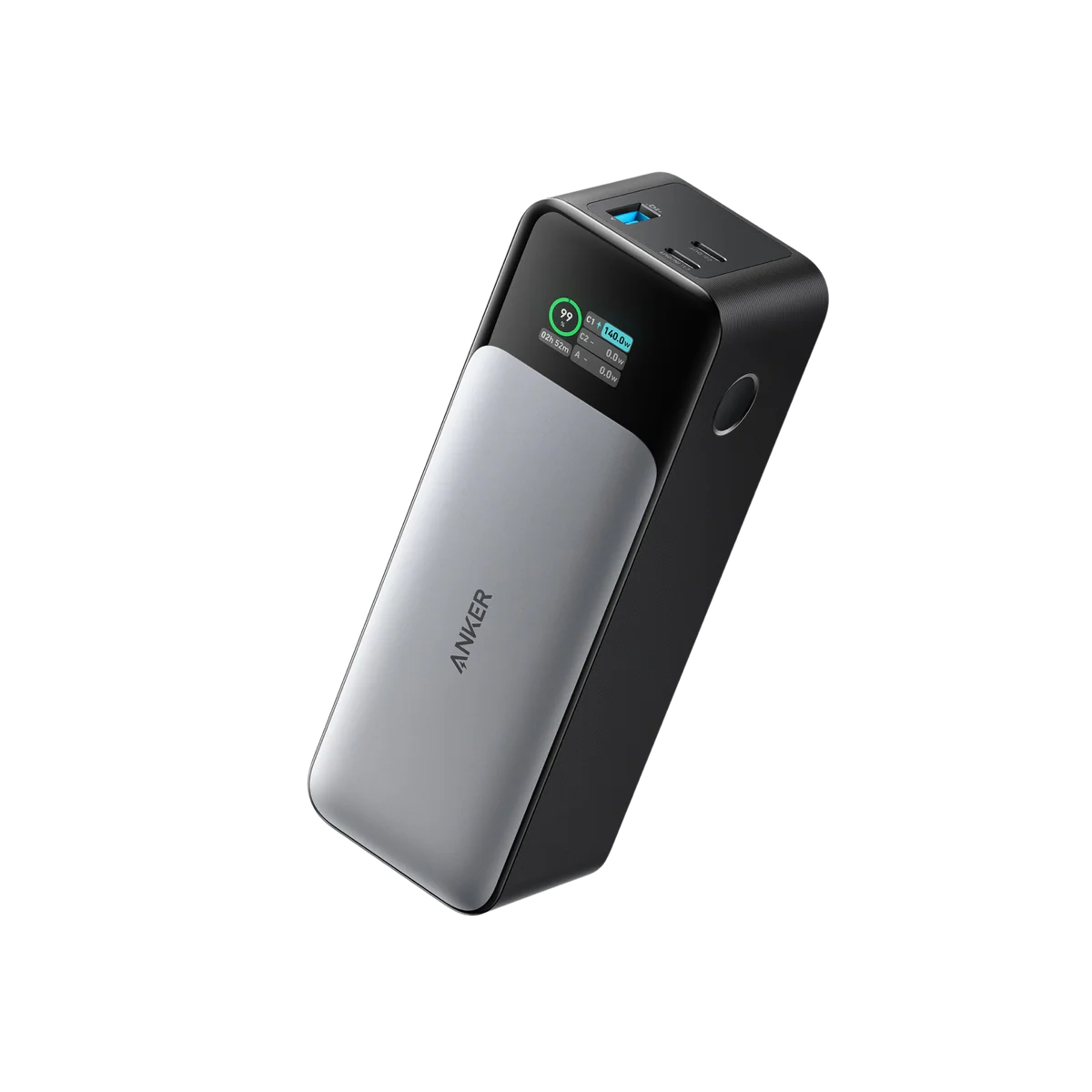
Why a power bank belongs in the study conversation
AI-generated illustration — not a retailer product photo.
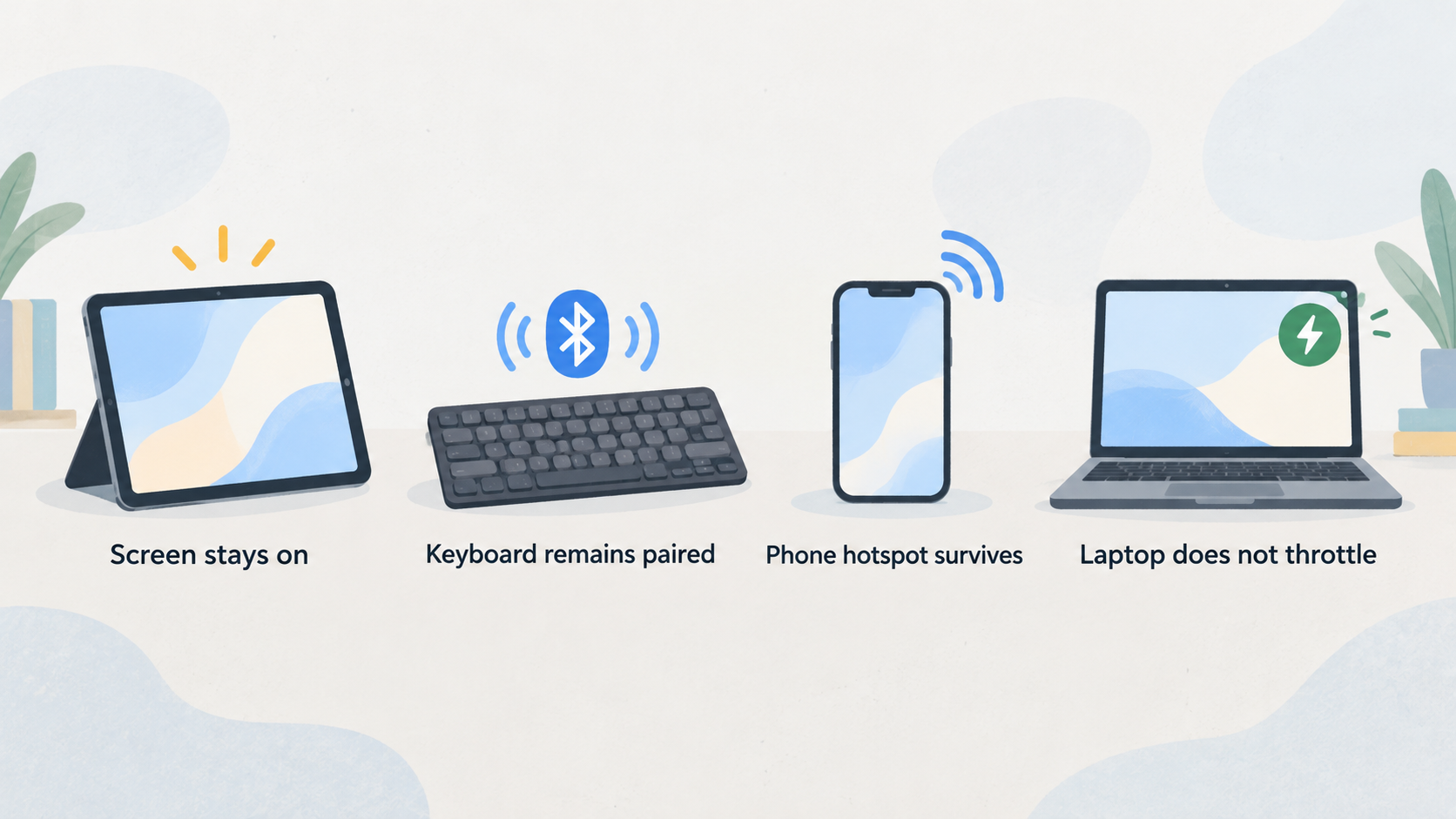
A power bank is not exciting until the moment your tablet drops below ten percent in the middle of a lesson. Portable study setups depend on ordinary reliability: the screen stays on, the keyboard remains paired, the phone hotspot survives, and the laptop does not throttle because it is nearly empty. The Anker 737 Power Bank, also known in some listings as a high-capacity PowerCore model, is designed for that kind of multi-device charging. Anker's official UK product information lists high-output USB-C charging and a 24,000 mAh class capacity for the A1289 model.
For Enjoy Poker readers, the question is not whether a power bank is technically impressive. The question is whether it solves a real study problem. If you only read articles on a phone, a smaller bank is easier to carry. If you study with a tablet, laptop, headphones, and travel router, a stronger USB-C bank can save a session. Our about page explains why we judge electronics by workflow fit, and our editorial policy explains how we handle sources and commercial links.
Capacity and output in plain English
AI-generated illustration — not a retailer product photo.
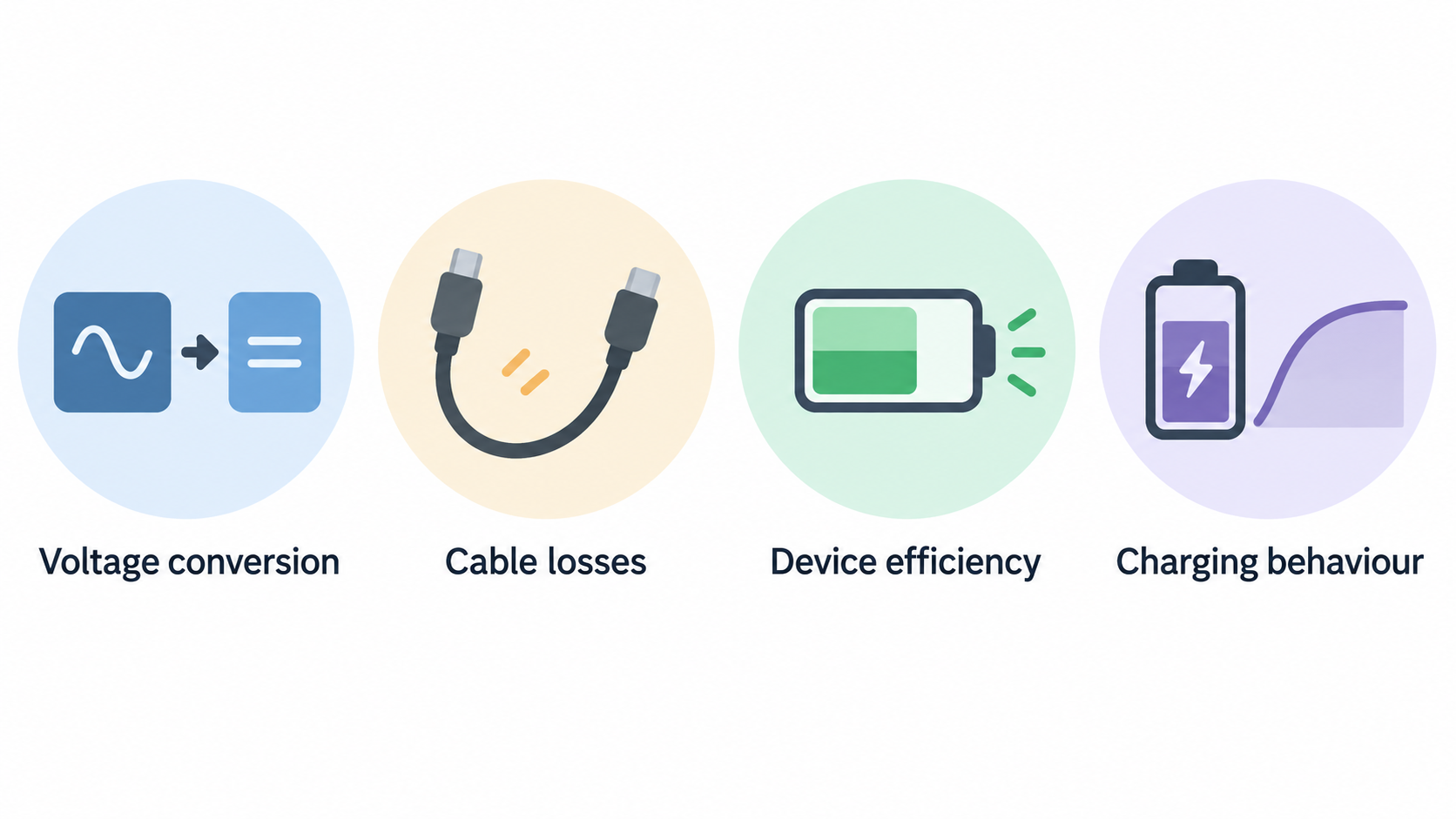
Power bank capacity is often misunderstood. The headline mAh number does not translate directly into full charges because voltage conversion, cable losses, device efficiency, and charging behaviour all reduce the usable amount. What matters is whether the bank can meaningfully extend your session. For a tablet, the Anker 737 should offer substantial extra time. For a laptop, it can help, but it may not behave like a wall charger for every machine.
Output is the more important spec for laptop users. A small bank can hold energy but fail to deliver it fast enough for a laptop under load. The Anker 737's appeal is high-output USB-C. That makes it useful for USB-C tablets, many laptops, phones, and accessories. You still need the right cable. A weak or unrated cable can limit charging speed and make a premium power bank feel worse than it is.
If your study setup is iPad plus phone, you may not need this much output. If your setup is laptop plus tablet plus headphones, the stronger bank is easier to justify. Start with your devices, not the product page. List what you need to charge, how long you study away from mains power, and whether a wall socket is usually available.
Travel and desk use
The Anker 737 is most useful for readers who study in several places: train, hotel, library, cafe, coworking space, or a different room at home. It lets you stop planning every session around wall sockets. That changes behaviour. You are more likely to watch a lesson on the tablet, review notes during a commute, or keep a laptop alive through a long break between activities.
For a fixed desk, the value is different. A power bank can act as backup power for a tablet, phone, or accessories, but it should not replace proper cable management. If your desk always has mains power, put the budget toward a better charger, USB-C hub, or monitor first. A power bank is a portability tool. It is not a substitute for a clean desk power plan.
Travel rules require attention. Battery limits and airline policies can change, and enforcement depends on carriers and airports. Before flying, check current airline guidance and keep the product's watt-hour information accessible. Do not rely on a retailer review or old forum comment. Portable power is practical only when it remains compliant with the trip you are taking.
Ports, cables, and charging order
The ports matter because study setups often involve more than one device. A common session might include a tablet for video, phone for authentication or hotspot, headphones, and laptop for notes. Decide which device is mission-critical. If the tablet is your main screen, keep it topped up first. If the phone provides hotspot, protect phone battery before headphones. If the laptop holds the documents, do not drain the bank on low-priority devices.
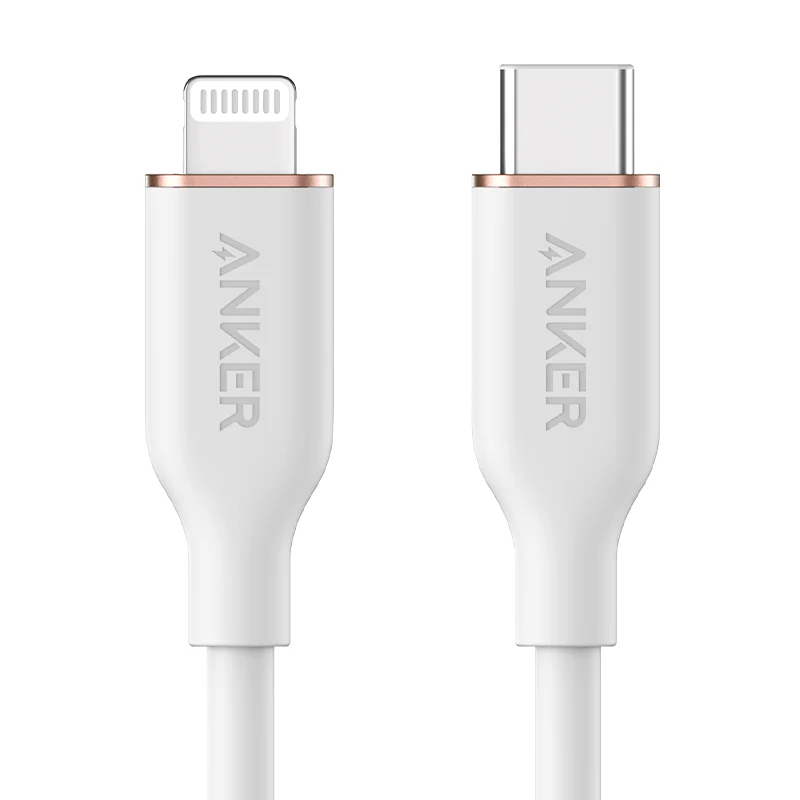
Cable quality matters more than many buyers expect. Use USB-C cables rated for the power you expect to draw. Label them if you own several similar cables. A premium bank with a weak cable creates confusing behaviour: slow charging, connect-disconnect loops, or devices that refuse high-power mode. This is the same practical issue we cover in our low-latency desk setup guide, where small cable choices can affect the whole setup.
Routine test before relying on it
Before taking the power bank on a trip, run one ordinary study session from battery power at home. Start with the bank fully charged, use the same cable you plan to carry, and charge the actual tablet or laptop while watching a lesson and taking notes. Check whether the device keeps gaining charge, holds steady, or slowly drains. Those three outcomes tell you much more than a headline wattage claim.
Also time how long the bank takes to recharge afterwards. A high-capacity model is less useful if you forget that it needs a long charging window before travel. Keep the wall charger, cable, and bank together so the kit is ready as a unit. If you have to hunt for the right cable every time, the power plan will fail at the exact moment it is supposed to reduce friction.
What it is not good for
The Anker 737 is not the smallest pocket charger. If you only need emergency phone power, choose something lighter. It is also not a universal laptop solution. Some high-performance laptops want more power than a bank can comfortably provide, especially under load. It can extend runtime, but it may not keep every machine charging upward during heavy work.
It is also a poor buy if you forget to charge it. High-capacity banks take planning. Put charging into your routine the same way you charge headphones or a laptop. If you keep discovering the bank empty, buy a second wall charger or simplify the setup. Reliability comes from habits as much as hardware.
Value compared with cheaper banks
Cheaper banks can be excellent for phones and tablets. The reason to step up to the Anker 737 is high-output USB-C, capacity, display-style feedback on some versions, and the ability to support more demanding devices. That is a real benefit only if your study routine uses it. If you rarely leave the house with a laptop, a smaller model may be better value.
Compare the power bank against the accessory you would otherwise buy. A good tablet stand may improve every session more than a power bank. A USB-C monitor may reduce desk friction more. A power bank improves sessions away from power. If those sessions are frequent, it belongs high on the list. If they are rare, it is a nice backup rather than a core tool.
Buying verdict
The Anker 737 Power Bank is a strong choice for portable card-game study setups that include a tablet, laptop, phone, and accessories. It is particularly useful for travel, shared spaces, and long days away from reliable wall power. It is overkill for phone-only use and may be unnecessary for readers who study only at a fixed desk.
Buy it if battery anxiety interrupts your routine. Skip it if your devices already last through every session or if you only need a light emergency charger. The right power bank should make study feel less fragile, not add another object to manage. On that standard, the Anker 737 is a credible upgrade for travel-first readers.
Source notes and next reads
For product-specific checks, start with Anker's official Anker 737 Power Bank page, which is the source we used for model positioning and charging claims. If the power bank is part of a tablet kit, compare it against Apple's iPad Air information and Samsung's Galaxy Tab catalogue so the charging plan matches your actual devices. Before flying, check the current battery rules from your airline or airport because travel approval is not decided by a product review.
For Enjoy Poker follow-up reading, use the portable study setup guide to decide whether a power bank belongs in the kit at all, then read the refurbished electronics deals guide before buying used power accessories. If your issue is a fixed desk rather than travel, the low-latency desk setup guide is the better next step because wall power, cables, and hubs matter more than battery capacity.
FAQ
How many tablet charges should I expect?
It depends on tablet size, battery health, brightness, and what you are doing while charging. Expect meaningful extra runtime rather than a fixed number. Video playback, hotspot use, and high brightness all reduce the practical result.
Can I charge multiple devices at once?
Yes, multi-port charging is part of the appeal, but total output is shared. If one device is critical, charge it first or check how the bank distributes power when several ports are active.
Should I buy this before a better charger?
Not if you mostly study at a desk. A good wall charger and cable setup should come first for fixed spaces. Buy the power bank when portability is the pain point.
Editorial information: Read our affiliate disclosure.