Why tablets work for study but not every task
Tablets are useful for card-game study because they remove friction. You can watch a lesson, mark a note, check a saved chart, or review a short hand history without sitting at the main desk. That portability is valuable when the work is reading-heavy or when you want a second screen beside a laptop. It is less valuable for heavy database analysis, multi-table replays, or anything that needs specialist desktop software. Our editorial method is explained on the editorial policy page, and the team background is on about Enjoy Poker.
The right tablet for this use is not necessarily the fastest model. The better question is whether the screen stays readable for charts, whether split view behaves reliably, whether the battery lasts through a long review block, and whether the keyboard or stylus feels stable enough to use every week. We checked current official product information from Apple's iPad Air page, Samsung's UK tablet catalogue, and manufacturer support material, then framed the advice around real buyer decisions rather than lab claims we did not run ourselves.

Shortlist at a glance
| Pick | Best fit | Main strength | Watch before buying |
|---|---|---|---|
| Apple iPad Air 11-inch | Balanced study tablet | Display, app library, accessory ecosystem | Pencil and keyboard costs add up |
| Samsung Galaxy Tab S10 FE Plus | Android and S Pen-first study | Larger writing canvas and included pen on many bundles | App parity varies by service |
| Refurbished iPad Air or iPad Pro | Value route for a strong screen | Better display per pound if condition is right | Battery health, warranty, and return terms |
| Compact Android tablet | Light reading and travel | Lower entry price and easy media use | Smaller charts and weaker keyboard options |
Balanced pick: Apple iPad Air 11-inch
The iPad Air is a balanced option for readers who want one tablet to handle training videos, notes, PDF ranges, web study tools, and occasional second-screen use. Apple's current iPad Air range is positioned below the Pro line but keeps the main advantages that matter here: a sharp display, strong app support, good battery behaviour, and a mature keyboard and stylus ecosystem. For card-game study, that means fewer compromises when moving between a course video, Notes, Safari, and a saved document.
The Air is especially good if you already use a Mac or iPhone. Handoff, AirDrop, iCloud notes, and external keyboard support make it easier to move a hand screenshot or study document between devices. That convenience sounds small, but study routines often fail because the capture and review process is clumsy. If the iPad is the device you will actually pick up, it is worth more than a cheaper tablet that stays in a drawer.
The drawback is total cost. The base tablet may look reasonable, but a keyboard case, Apple Pencil, extra storage, and AppleCare can move the package into laptop territory. For many readers, the sensible configuration is not the highest storage model. Start by deciding whether you need offline video downloads and large local PDFs. If not, put the budget toward a better keyboard, stand, or charger, then compare the desktop route in our portable study setup guide.
Android option: Samsung Galaxy Tab S10 FE Plus
Samsung's FE tablets make sense for readers who prefer Android, use Google services heavily, or want an S Pen style workflow without buying every accessory separately. The larger FE Plus size gives more room for notes beside a lesson and makes range charts less cramped. Samsung's UK Galaxy Tab pages currently emphasise large-screen tablets, S Pen support on selected models, IP ratings on many Tab S devices, and bundle availability. Those features are relevant to study because they affect how comfortably you can annotate, read, and carry the tablet.
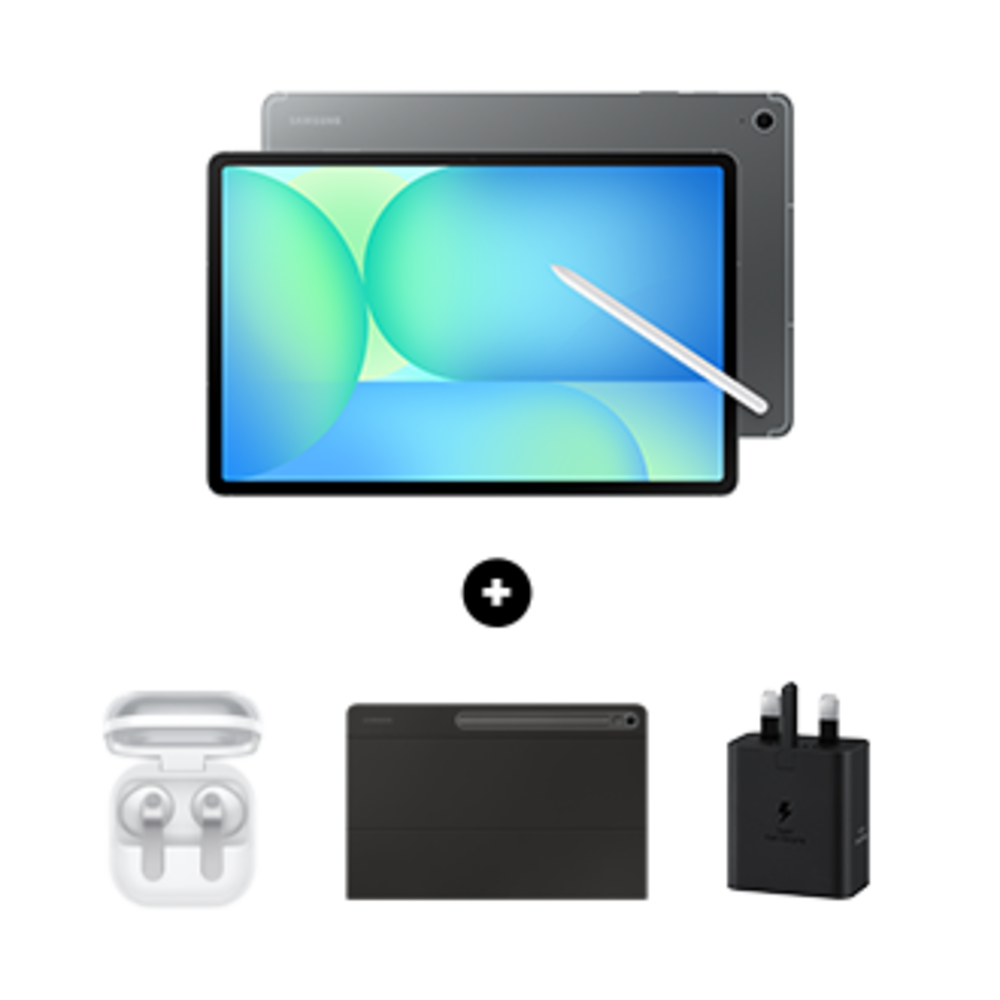
The main caution is app parity. Some poker training services, note apps, or browser-based tools work perfectly in Android Chrome; others behave better on iPadOS or desktop browsers. Before buying, open the exact web tools you use now on an Android phone or borrowed tablet and check login flow, video playback, keyboard shortcuts, export options, and split-screen behaviour. This is the kind of compatibility check that matters more than raw benchmark scores.
The Samsung route is strongest if you already use Android, want a larger writing canvas, or value USB-C file handling. It is weaker if your study material is tied to iPad-first apps or if you rely on desktop-only analysis tools. For direct tablet tradeoffs, read our iPad Air vs Galaxy Tab S10 FE comparison.
Value route: refurbished iPad Air or iPad Pro
Refurbished tablets can be excellent for study because screen quality ages better than marketing cycles. A carefully bought refurbished iPad Air or older iPad Pro can deliver a strong display, reliable app support, and good accessory availability for less than a new premium tablet. The risk is condition, not concept. You need clear grading, a return window, battery health information where available, and a warranty that is long enough to catch faults.
Avoid listings that hide the model year, storage, battery condition, or accessory compatibility. Also check whether the device supports the exact stylus or keyboard generation you plan to use. A cheaper tablet becomes poor value if the only compatible keyboard is discontinued or overpriced. Our refurbished electronics checklist covers the return and warranty questions to ask before buying.
How to choose screen size
An 11-inch tablet is the safest starting point. It is large enough for videos and notes but still light enough to hold. A 12.4-inch or 13-inch screen is better if you spend long sessions annotating charts, but the package becomes less portable once you add a case and keyboard. Smaller tablets can work for reading articles or watching lessons, but range charts and spreadsheets become cramped quickly.
If you mostly watch training videos while taking short notes, buy the tablet you can comfortably hold. If you write structured reviews, compare charts, or keep a browser and notes side by side, prioritise the larger screen. If you plan to use the tablet on a desk most of the time, a monitor or laptop may be a better first purchase; see our monitor shortlist before spending Pro-tablet money.
Accessory checklist
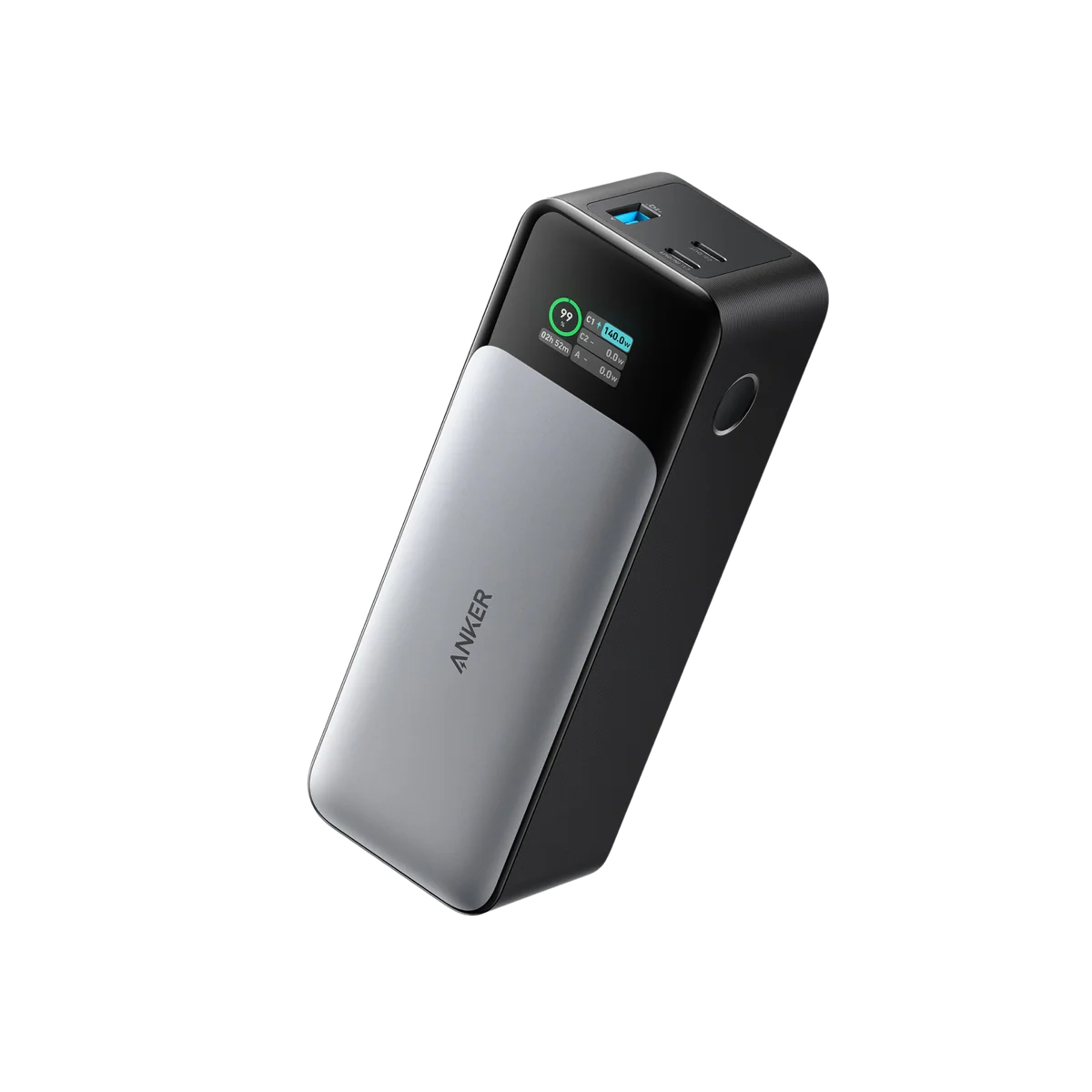
Budget for a stand before a luxury case. A stable stand lets you place the tablet at eye level beside a keyboard, which is better for posture and makes the device feel like a useful second screen. A keyboard matters if you write meaningful notes, tag hands, or search documents. A stylus matters if you annotate diagrams or mark screenshots. A power bank matters if you travel or study away from mains power.
Do not buy every accessory on day one. Start with a stand and a charger or power bank. Add a keyboard if you write more than a few lines per session. Add a stylus if you already know you prefer handwritten annotation. This staged approach prevents the common mistake of turning an affordable tablet into an expensive desk kit that still cannot run desktop software.
Buying verdict
The iPad Air is the low-friction recommendation for many readers because it balances display quality, app support, battery life, and accessories. Samsung's Galaxy Tab FE line is a strong fit for Android-first readers and anyone who wants a larger writing canvas. Refurbished iPads are the value route when condition and warranty are clear. A compact budget tablet is fine for passive lessons, but it is rarely the right choice for serious notes.
The honest answer is that a tablet should support a study habit, not replace every device. If your routine is video, notes, charts, and light review, buy the best screen and accessory setup you will actually use. If your routine is database-heavy, put the budget toward a laptop or monitor instead. That is the same practical frame we use across Enjoy Poker: clear workflow first, product choice second.
Source notes and next reads
The tablet claims here start with official product sources: Apple's iPad Air page, Samsung's Galaxy Tab S catalogue, and Anker's 737 Power Bank page for the portable charging context. Use those sources to confirm current model names, accessory compatibility, and charger expectations before buying.
For a narrower choice, read iPad Air vs Galaxy Tab S10 FE. If you plan to study away from a desk, continue with the portable study setup guide. If price is the deciding factor, use the refurbished electronics deals guide before assuming an older tablet is better value than a new mid-range model.
FAQ
Can I use an iPad Air as a second screen for poker study?
Yes, especially inside an Apple setup. It works well for lessons, notes, PDFs, and reference material. Treat it as a study companion rather than the main analysis machine. A desktop or laptop remains better for large databases and multiple windows.
Is Samsung better if I want handwriting?
Samsung is often attractive for handwriting because S Pen support is central to many Tab models and bundles. The deciding factor is still app compatibility. Test your note app, training site, and export flow before choosing the tablet only because it includes a pen.
How much storage should I buy?
For streaming-first study, base or mid-tier storage is usually enough. If you download video courses, save large PDFs, or keep screenshots offline, buy more. Storage upgrades are easiest to justify when you know exactly what will live locally.