The quick decision
The iPad Air is the safer all-round tablet for many study workflows because Apple's app ecosystem, accessory market, and cross-device continuity are strong. Samsung's Galaxy Tab S10 FE route is better when you prefer Android, want a larger writing surface, or value S Pen style note taking as part of the package. Neither tablet automatically makes you better at study. The useful device is the one that lets you watch, annotate, review, and return to notes without friction.
This comparison uses official product information from Apple's UK iPad Air page and Samsung's UK Galaxy Tab catalogue, plus workflow checks that matter for card-game review. We do not claim private lab testing. Our standards and source handling are explained in the editorial policy, and you can read more about the site team on about Enjoy Poker.

Comparison table
| Category | iPad Air | Galaxy Tab S10 FE route | Study verdict |
|---|---|---|---|
| App ecosystem | Strong iPad app support and Apple continuity | Strong Android and Google service fit | iPad is safer if app parity is unknown |
| Notes | Excellent with compatible Apple Pencil | Strong S Pen style workflow on many bundles | Samsung can be better value for handwriting |
| Keyboard | Mature but often expensive accessories | More varied third-party options | Check total package cost |
| Display | Sharp, balanced, colour-accurate for study | Larger FE Plus options can be spacious | Choose size by split-screen habits |
| File handling | Smooth inside Apple ecosystem | Flexible USB-C and Android file access | Android may suit manual file workflows |
| Long-term value | Often strong resale and app support | Good if bundle pricing is favourable | Condition and storage decide value |
App and browser compatibility
The most important check is not processor speed. It is whether your study tools work on the tablet. Training videos, note apps, browser-based charts, PDF readers, cloud drives, and exported hand documents can behave differently on iPadOS and Android. If a service has a dedicated iPad app, the iPad Air may feel more polished. If you rely on browser workflows and Google services, Samsung can feel more flexible.
Before buying either tablet, test your exact workflow. Open the training site. Play a lesson. Try split view. Copy a screenshot into notes. Export a PDF. Pair a keyboard. Search a document. This kind of ten-minute check is worth more than reading another spec sheet. Our best tablets guide uses the same method because study devices fail when the routine has one annoying break point.
Samsung's Android route may be better if you manage files manually, move documents through USB-C storage, or prefer Google Drive and Chrome. Apple's route may be better if your phone, laptop, notes, and screenshots already live in iCloud. The ecosystem that reduces handoff friction will usually win.
Notes and stylus use
Handwritten notes are the strongest reason to take the Samsung side seriously. If the S Pen is included or bundled attractively, the Galaxy Tab S10 FE line can be a very good writing canvas. The larger FE Plus size is particularly useful when you want a lesson on one side and notes on the other. The practical benefit is not just handwriting; it is the ability to sketch ranges, mark mistakes, and annotate screenshots quickly.
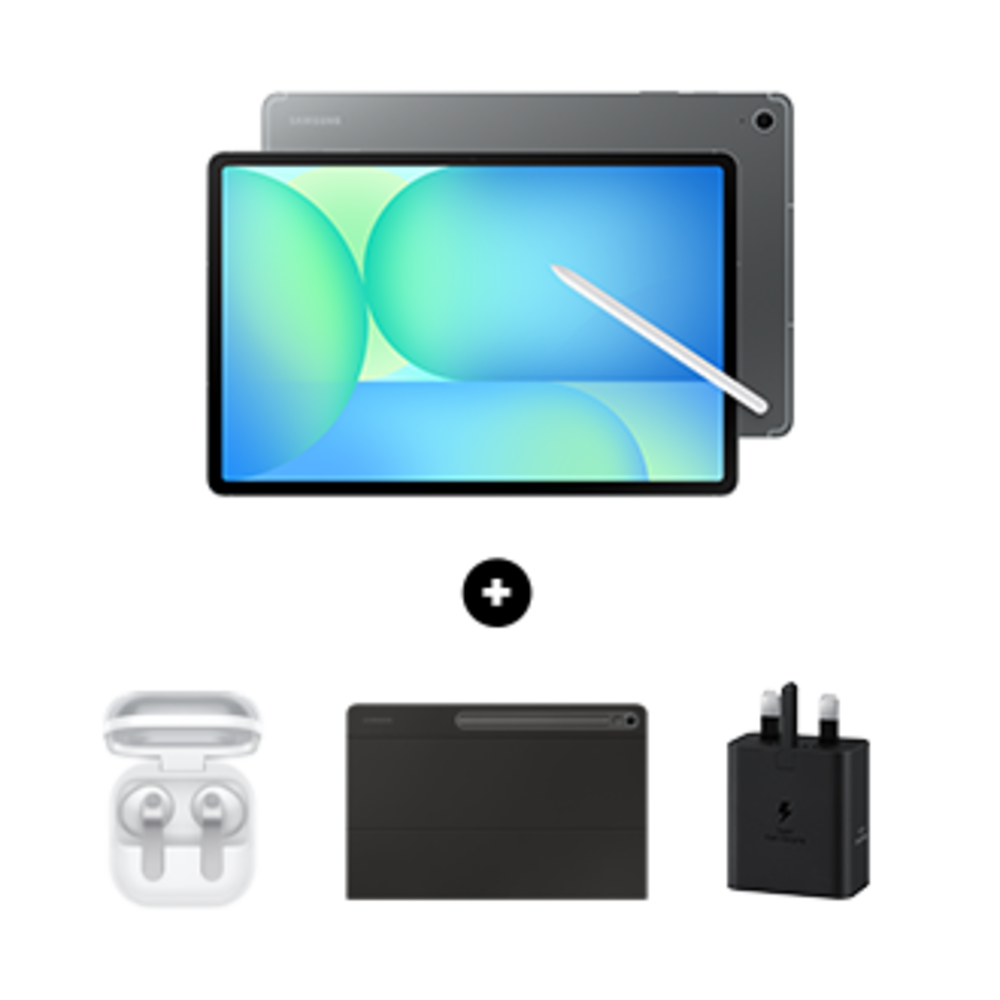
The iPad Air is also excellent for stylus work with the compatible Apple Pencil, but cost and compatibility matter. Apple has several Pencil generations and accessory rules. Check the exact iPad Air model and Pencil support before buying. A tablet deal can become less attractive if the correct stylus adds a large extra cost.
If you mostly type notes, stylus value drops. Put more weight on keyboard comfort, split-screen behaviour, and app support. A typed review log is easier to search, tag, and reorganise. Handwriting is better for free-form diagrams and quick thought capture. Many serious learners use both, but most people have a default style.
Keyboard and desk setup
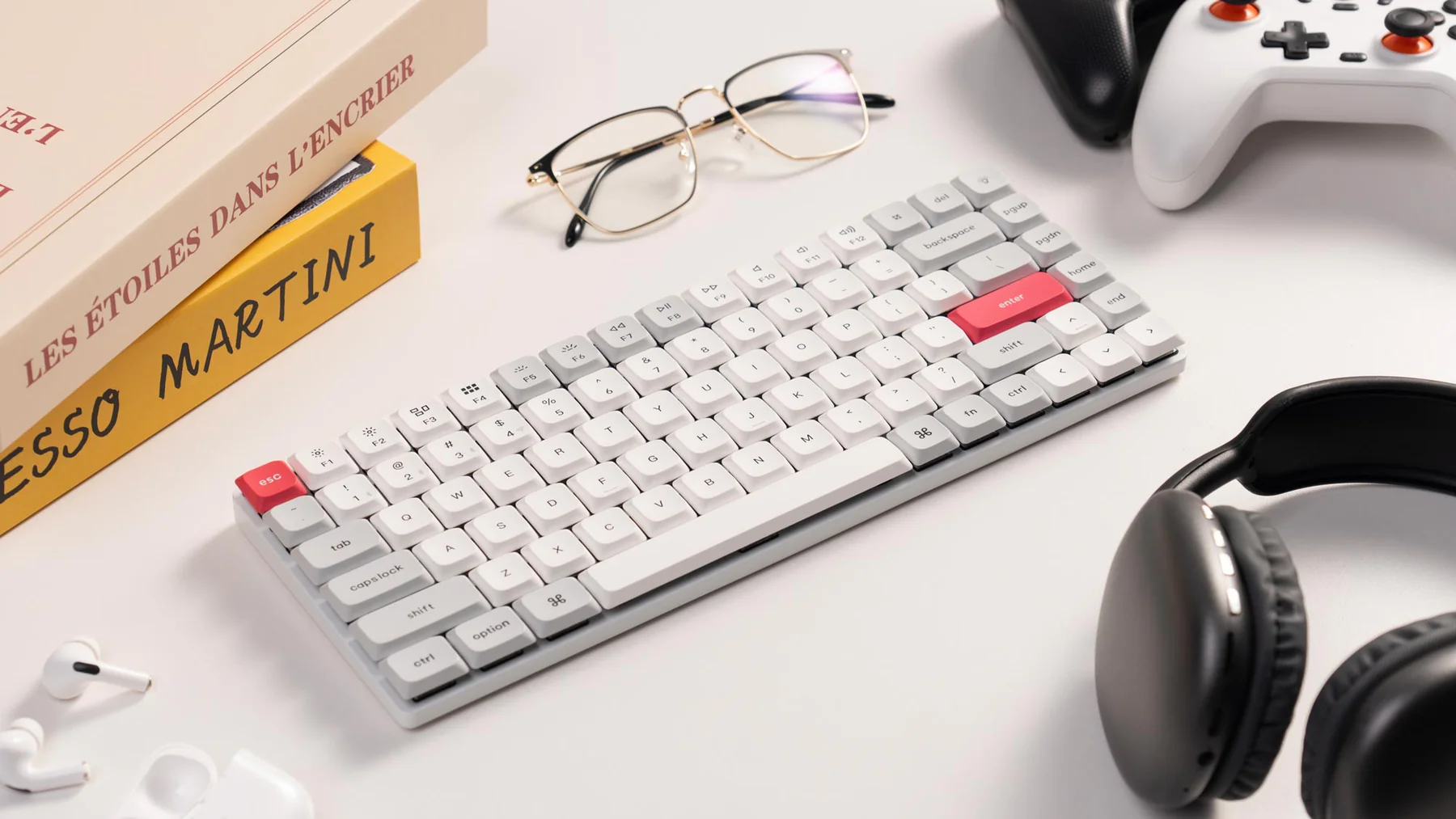
The keyboard story is different on each side. Apple's accessory ecosystem is polished and widely supported, but official keyboard cases can be expensive. Samsung's ecosystem has more varied options, and third-party Bluetooth keyboards can work well, but fit and shortcut behaviour are less predictable. If you plan to write long notes, do not treat the keyboard as optional. It determines whether the tablet becomes a real study device or a video screen.
For desk use, either tablet benefits from a stand and external keyboard. A stand raises the screen, frees your hands, and makes split view easier to read. A keyboard lets you search, tag, and summarise quickly. The tablet then acts as a compact second workstation. If this is your intended setup, compare it with a monitor-first route in our best monitor guide.
Price the whole study bundle
Do not compare tablet prices alone. Price the storage level you need, the correct stylus, a keyboard or stand, a protective case, warranty cover if you want it, and any cloud storage upgrade. The iPad Air can look reasonable until the right Pencil and keyboard are added. A Samsung bundle can look cheaper until you realise the case, storage, or preferred keyboard is separate. The fair comparison is the kit you will actually use for six months.
Also check return windows. A tablet can feel fine in a shop and still fail your study workflow once split view, note export, and keyboard shortcuts enter the picture. If the return period is short, run the real workflow in the first week rather than spending that time customising wallpapers and home screens.
Display size and comfort
The iPad Air 11-inch size is portable and balanced. It is easy to hold, easy to travel with, and large enough for most lessons and notes. Samsung's larger FE Plus route gives more canvas, which can be better for split view and handwriting. The tradeoff is weight and portability. A larger tablet is nicer on a desk and less casual on the sofa.
Choose based on where you actually study. If you move between rooms and hold the tablet often, smaller is safer. If the tablet lives on a stand, larger is better. If you mainly want a second screen beside a laptop, a larger Samsung tablet or external monitor may be more useful than a smaller iPad.
Value and resale
The iPad Air often wins on predictable long-term value, app support, and resale demand. That does not mean it is always cheaper to own. Apple accessories can be expensive, storage upgrades cost money, and AppleCare may be part of your risk plan. Samsung can win when bundle pricing includes the pen or a larger screen at a lower total cost.
Refurbished options complicate the comparison. A refurbished iPad Air or older iPad Pro can beat a new mid-range tablet if condition, warranty, and battery health are clear. A discounted Samsung bundle can beat both if the model is current enough and the accessories are right. Use our refurbished electronics checklist before treating a lower price as a better deal.
Buying verdict
Choose iPad Air if you want the lowest-risk app ecosystem, already use Apple devices, and value polished accessory support. Choose Galaxy Tab S10 FE if you prefer Android, want S Pen-first notes, or can get a larger screen and useful bundle at the right price. Both can be excellent study tablets when matched to the routine.
The wrong choice is buying by brand loyalty without checking the workflow. Open the tools you use. Price the keyboard and stylus. Think about where the tablet will sit during a real session. If the device makes study easier to start and easier to continue, it is doing its job.
Source notes and next reads
Use Apple's iPad Air page to check current iPad sizes and accessory compatibility, Samsung's Galaxy Tab S catalogue to confirm current FE and S line availability, and Logitech's MX Keys S Combo page if your comparison includes a separate keyboard rather than a tablet case. Product pages change, so verify the exact storage, bundle, and pen or keyboard support before purchase.
For broader context, read our best tablets guide first if you have not decided that tablet study is the right route. Then compare the portable setup guide and refurbished electronics deals guide to decide whether a new tablet, older premium tablet, or laptop-first setup is the better value.
FAQ
Which tablet is better for split-screen study?
Larger Samsung FE Plus models can feel better for split-screen because of the extra canvas. The iPad Air still handles split view well, but the 11-inch size is more comfortable for one main app plus a smaller note window than two equal work panes.
Should I buy a tablet instead of a laptop?
Only if your study is mostly video, notes, PDFs, and browser tools. If you use desktop databases or many windows, a laptop or monitor setup is better. A tablet is best as a portable study companion.
Which one is easier to sell later?
iPads often have strong resale demand, but storage, condition, battery, accessories, and model timing matter. Keep receipts, boxes, and warranty details if resale value is part of your plan.