
What the K3 Max is built for
AI-generated illustration — not a retailer product photo.
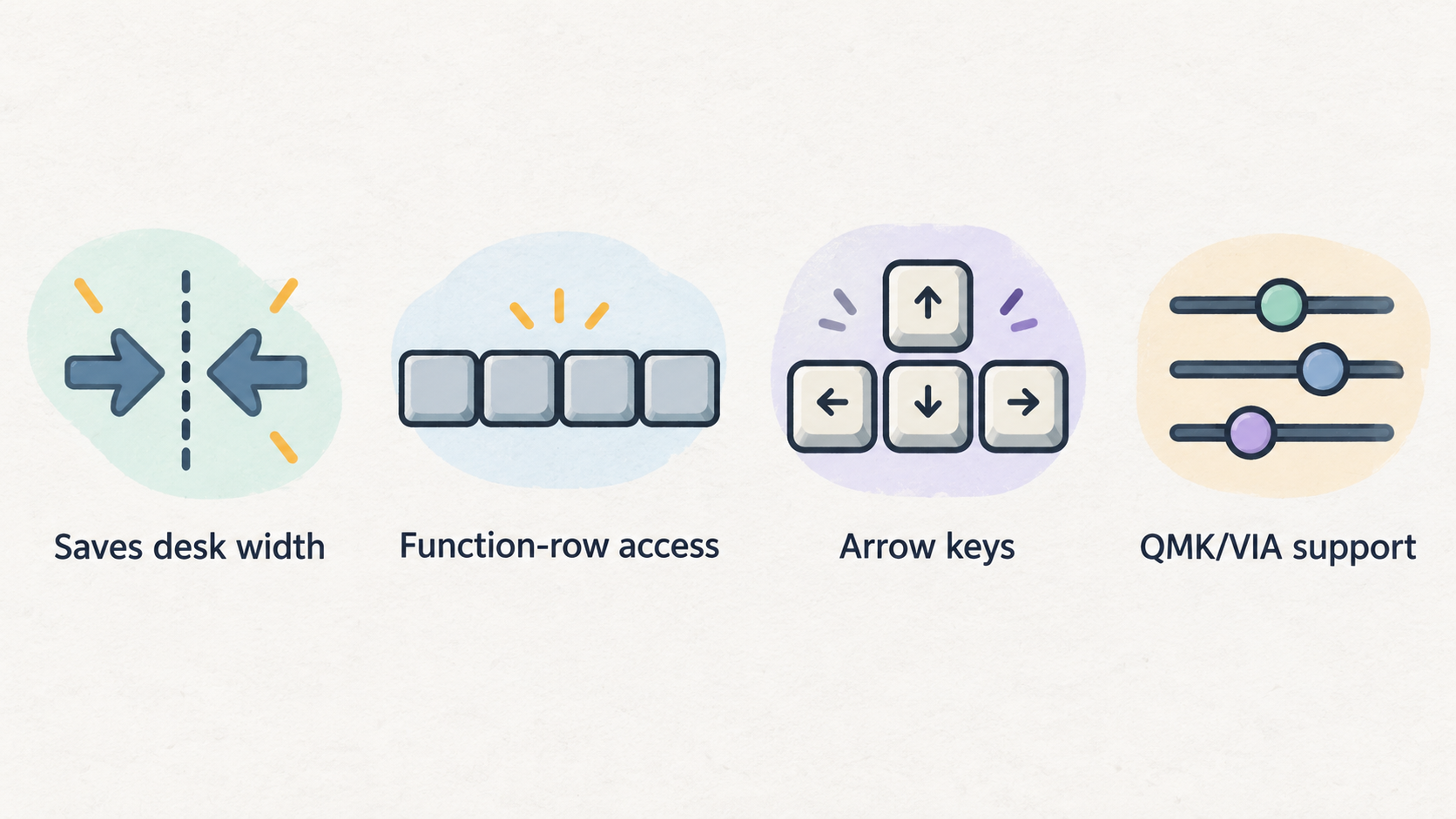
The Keychron K3 Max is an ultra-slim 75 percent wireless mechanical keyboard with QMK/VIA support, 2.4 GHz wireless, Bluetooth, and wired modes. Keychron's official K3 Max product page positions it as a compact low-profile board for users who want customisation without a full-height keyboard. For card-game study, that combination is interesting because it saves desk width while keeping function-row access, arrow keys, and a typing feel that is more deliberate than a laptop keyboard.
Our review is based on official product information, public support details, and workflow fit rather than private lab claims. Enjoy Poker's review standards are explained in our editorial policy, and the site background is on about Enjoy Poker. The important question is not whether the K3 Max is a good keyboard in the abstract. The question is whether it improves a study desk where notes, shortcuts, charts, and device switching matter.
Layout and desk fit
AI-generated illustration — not a retailer product photo.
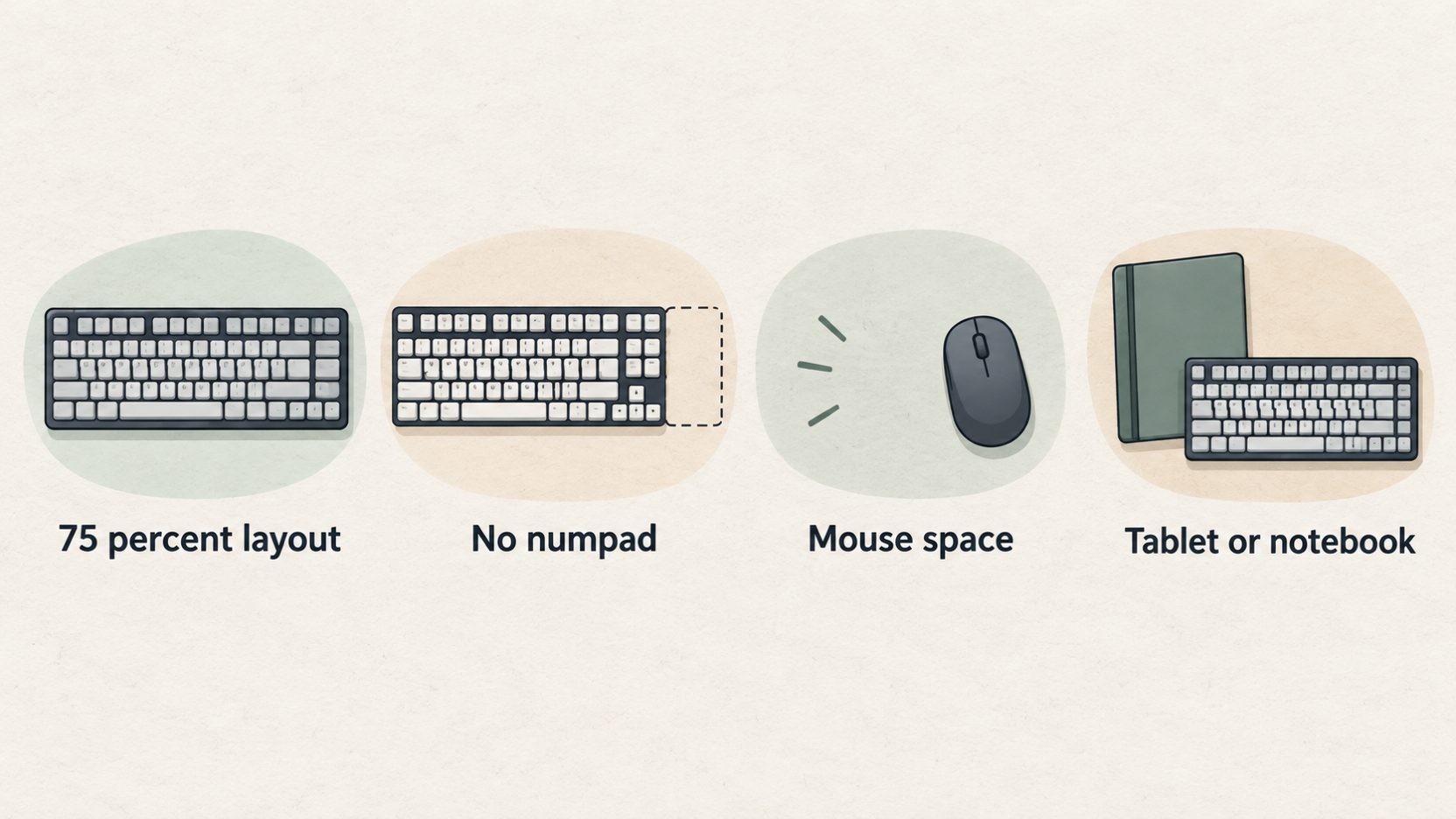
The 75 percent layout is the main reason to consider the K3 Max over a full-size productivity keyboard. It keeps the alphanumeric block, function row, arrows, and several navigation keys while removing the numpad. That saves mouse space and makes it easier to place a tablet, notebook, or small audio interface beside the keyboard. If your desk is narrow, that width reduction is more useful than it sounds.
For study, the missing numpad is rarely a serious problem unless you work heavily in spreadsheets or data-entry tools. Most review notes, browser shortcuts, and document edits do not need it. The saved space can improve shoulder position because the mouse sits closer to your body. That matters during long sessions, especially when a 27-inch monitor already occupies the centre of the desk.
The layout is still more complex than a full-size office keyboard. Some keys may require a layer or adjustment. If you hate learning keyboard shortcuts, the Logitech route in our MX Keys S Combo review will feel easier. If you like controlling the desk and tuning the keyboard, the Keychron makes more sense.
Switch feel and noise
AI-generated illustration — not a retailer product photo.
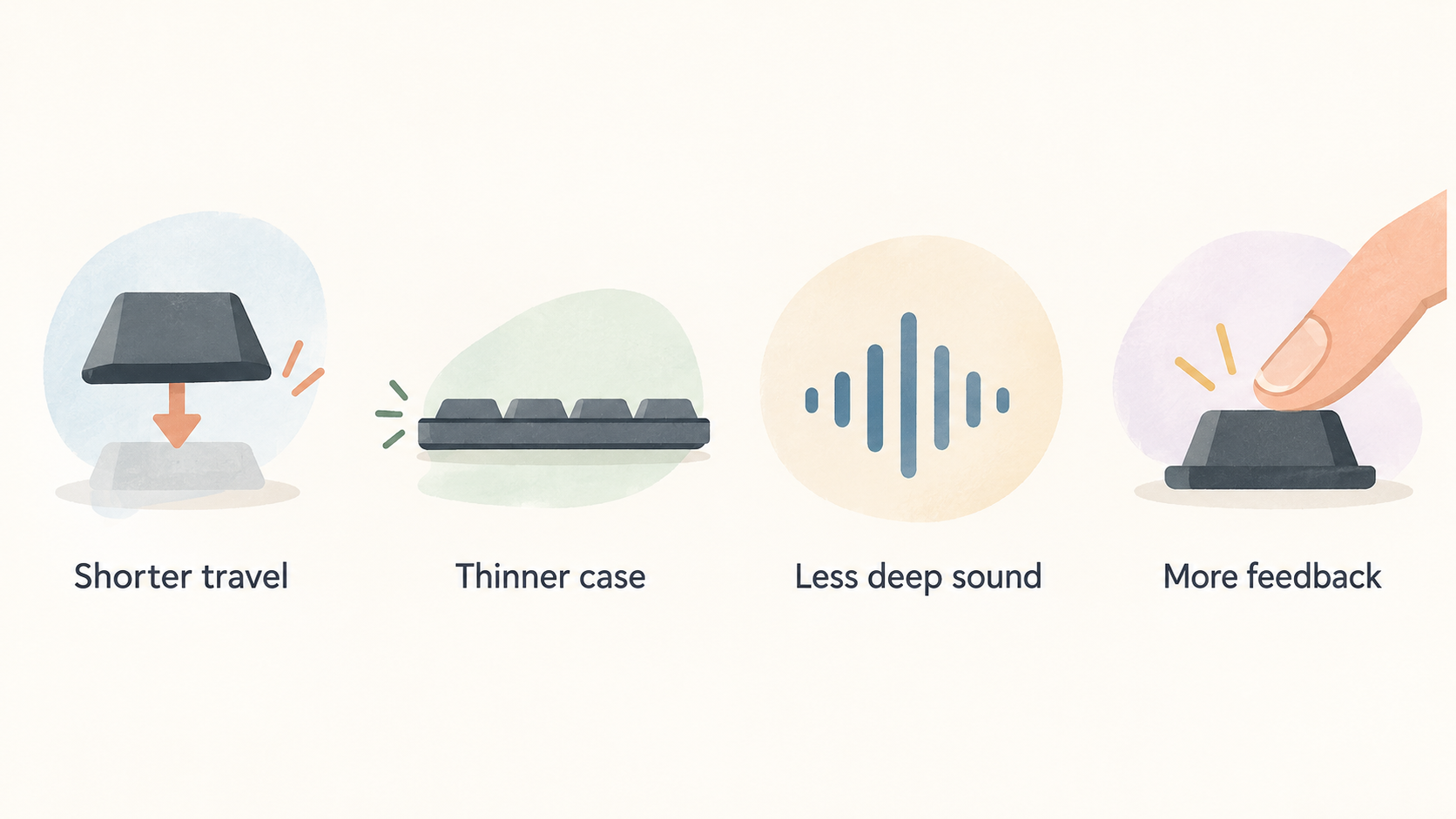
Low-profile mechanical switches feel different from both laptop keyboards and full-height mechanical boards. The travel is shorter, the case is thinner, and the sound is usually less deep. That can be a good fit for study because you get more feedback than a laptop keyboard without turning every note into a loud typing session. Keychron offers different low-profile switch options, and the right choice depends on your space.
Red switches are the safest quiet option for shared rooms. Brown switches add a tactile bump that many note writers prefer. Blue switches are clicky and should be chosen only if everyone nearby is happy with the sound. The mistake is buying a switch because it sounds exciting in a video. Study keyboards are used repeatedly, often late in the evening, so comfort and noise control matter more than novelty.
The K3 Max is not as silent or effortless as the MX Keys S. It is more physical and more personal. That is exactly the appeal for some readers. A keyboard that feels satisfying can make note taking less tedious, but it should not distract from the work. If you catch yourself adjusting lighting effects or layers instead of studying, the keyboard has become the task rather than the tool.
If you are unsure about switch choice, favour the quieter option or buy from a seller with a clear return policy. Loud switches are easy to enjoy for ten minutes and harder to live with for two months. The useful study keyboard is the one you can use at normal speed without apologising to the people around you.
Wireless modes and reliability
The K3 Max supports 2.4 GHz wireless, Bluetooth, and wired connection. For a study desk, that flexibility is useful. Bluetooth is convenient for tablets and laptops, while 2.4 GHz can feel more stable on a fixed desk when the receiver is placed well. Wired mode is the fallback when you want zero battery concern or when troubleshooting interference.
Wireless reliability depends on the environment. Routers, docks, monitors, metal stands, and other Bluetooth devices can affect performance. If input reliability matters to you, keep the receiver close and test the keyboard in the exact desk position you plan to use. Do not judge a wireless keyboard only from a five-minute pairing test. Use it through a full note-taking block, a video review session, and some normal browsing.
Battery expectations also depend on lighting. Backlighting is useful, but it reduces runtime. A low-profile board with RGB can look good in photos while being less practical if you forget to charge it. Keep a USB-C cable on the desk and decide whether the lighting is worth the battery tradeoff. For most study setups, a subtle or disabled backlight is the better default.
VIA and custom shortcuts
QMK/VIA support is the feature that separates the K3 Max from many ordinary compact keyboards. VIA lets users customise key mappings and layers without rewriting firmware by hand. For study, that can be useful if you repeatedly trigger the same actions: opening notes, muting audio, moving windows, inserting timestamp markers, or switching applications. A few well-chosen shortcuts can make a routine smoother.
The caution is complexity. Custom layers should solve real friction, not create a new project. Start with the default layout. After a week, write down the actions that slow you down. Only then add shortcuts. A simple macro that opens a note template is useful; a complicated layer you forget under pressure is not. The best customisation is the one you can remember when tired.
Compatibility checklist
Before buying, check the operating systems you actually use. A keyboard can work on Windows, macOS, iPadOS, and Android while still handling modifier keys, function rows, and shortcuts differently on each one. If you move between a laptop and tablet, write down the three shortcuts you use most often and test whether they behave as expected. Window switching, copy and paste, media controls, and browser tab movement are the common friction points.
Also check the physical receiver plan. For 2.4 GHz mode, the receiver should sit close enough to avoid unnecessary interference, especially if a metal monitor stand or dock blocks the path. For Bluetooth mode, test reconnection after sleep. A keyboard that pairs well once but hesitates every morning can become more annoying than its layout benefits justify.
How it compares with productivity keyboards
Compared with the Logitech MX Keys S Combo, the K3 Max is more compact, more tactile, and more customisable. Logitech is more polished for multi-device productivity out of the box. Keychron is more appealing if you want mechanical feel and layout control. Neither is automatically better for card-game study. The better choice depends on whether your desk problem is comfort simplicity or compact custom control.
For readers using a tablet, the K3 Max can be attractive because it is portable enough to move between rooms. Check operating-system compatibility and key mapping before assuming every shortcut will behave the same across Windows, macOS, iPadOS, and Android. A keyboard can pair widely while still requiring layout tweaks on each device.
Buying verdict
Buy the Keychron K3 Max if you want a compact, low-profile mechanical keyboard that saves desk space and gives you meaningful customisation. It is a strong choice for readers who write structured notes, use shortcuts, and dislike full-size office boards. Skip it if you want the quietest possible typing, a numpad, or a zero-configuration productivity bundle.
The K3 Max is best understood as a study desk upgrade for people who already care about the keyboard. If you do not care about switch feel or layers, spend the money on a better monitor, tablet, or chair first. If the keyboard is the tool you touch most during every review session, the K3 Max gives you a practical reason to enjoy using it.
Source notes and next reads
The primary source for this review is Keychron's official K3 Max product page. We also compare the workflow against Logitech's official MX Keys S Combo page and Apple's iPad Air page because tablet pairing and low-profile productivity keyboards are common alternatives for the same desk.
For more detail on the direct decision, read MX Keys S vs Keychron K3 Max. If the keyboard is part of a portable kit, the portable setup guide is the next read. If the desk is fixed and reliability is the priority, use the low-latency desk guide before spending on extra keyboard accessories.
FAQ
Is the K3 Max too compact for beginners?
No, but it is less familiar than a full-size keyboard. Most keys are still present, and the 75 percent layout is easier than very small 60 percent boards. The learning curve is mostly about missing numpad habits and a few layer functions.
Is 2.4 GHz better than Bluetooth?
Often, yes for a fixed desk. A dedicated receiver can reduce pairing friction and improve consistency. Bluetooth is still convenient for tablets and quick switching. Test both modes before deciding which one belongs in your normal workflow.
Can it replace a laptop keyboard for notes?
Yes. It should feel more stable and deliberate than most laptop keyboards. The benefit is strongest when paired with a stand or external monitor so your posture improves at the same time as typing comfort.
Editorial information: Read our affiliate disclosure.